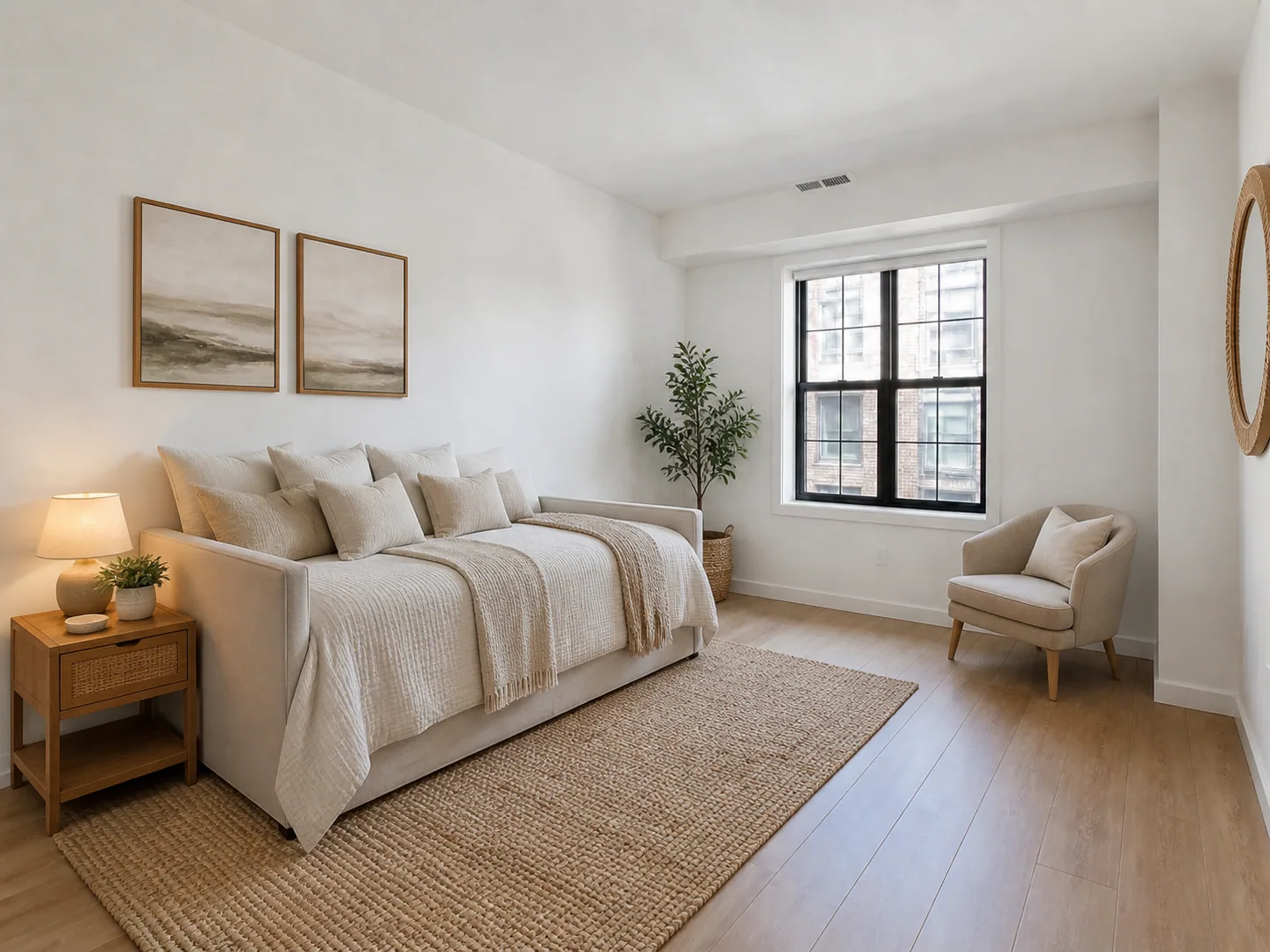
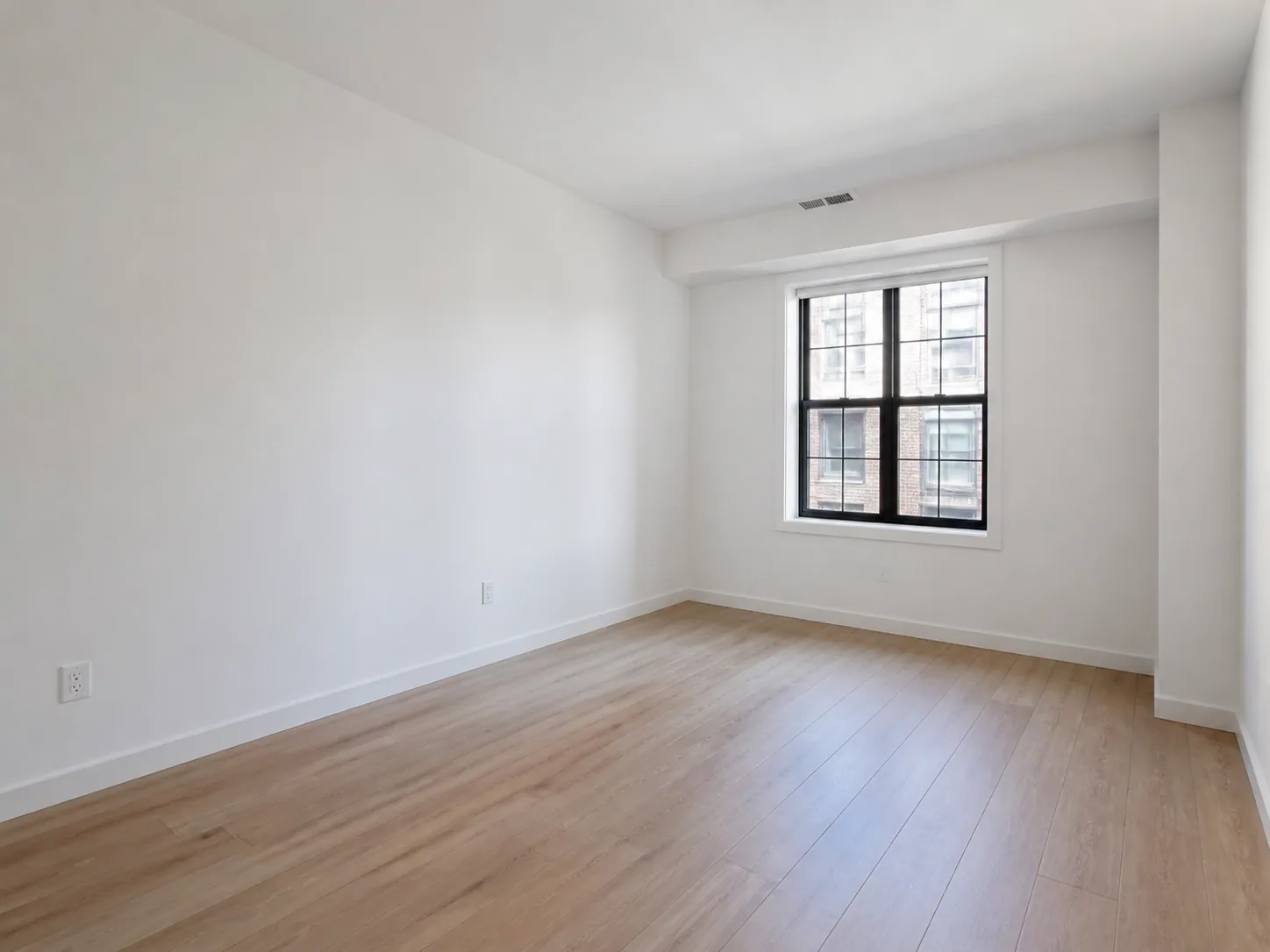
 Original
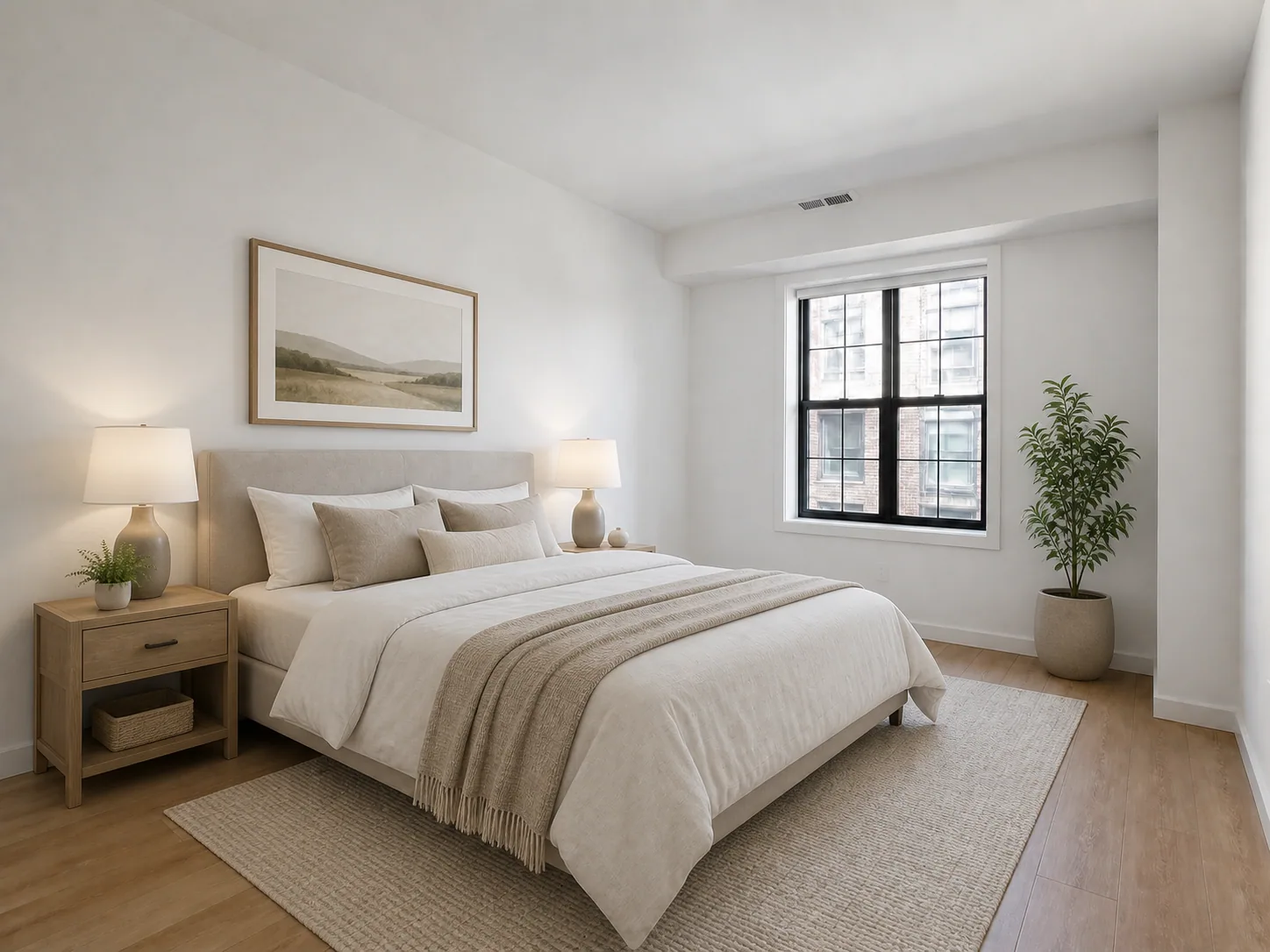 Staged
Rental bedroom staging
An empty city bedroom becomes a warm, practical sleeping space.
Output quality
Sign in to use credits18 credits will be used for this generation.
LIVE WORKSPACE
Preview your AI room design result
Your image will appear here
Upload an input, adjust the controls, and generate a concept without leaving this page.
STAGING EXAMPLES
See how furniture scale, circulation, and style can make different empty or lightly furnished rooms easier to read.
OriginalStagedAn empty city bedroom becomes a warm, practical sleeping space.
Original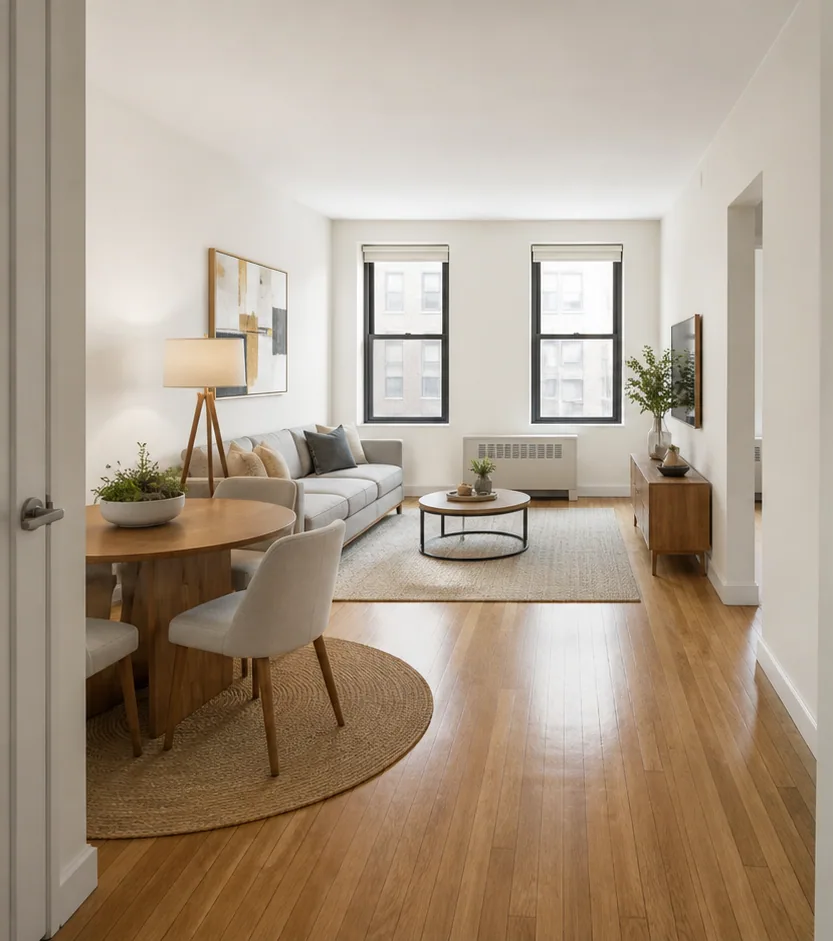 Staged
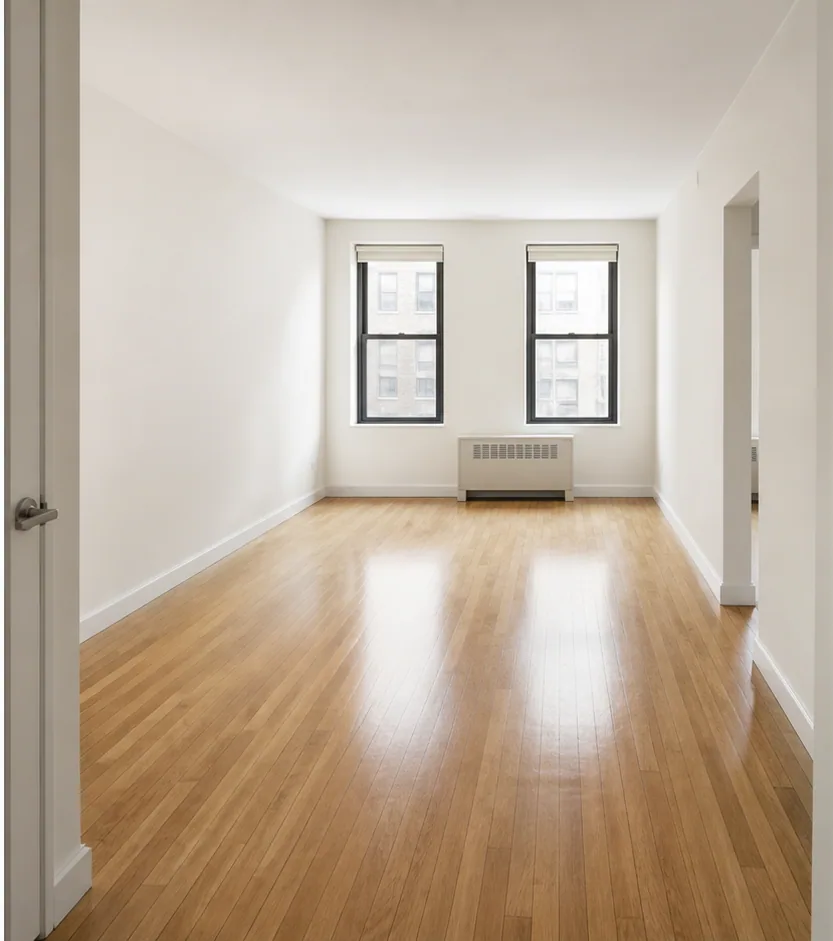
A sparse rental gains a complete living-zone composition.
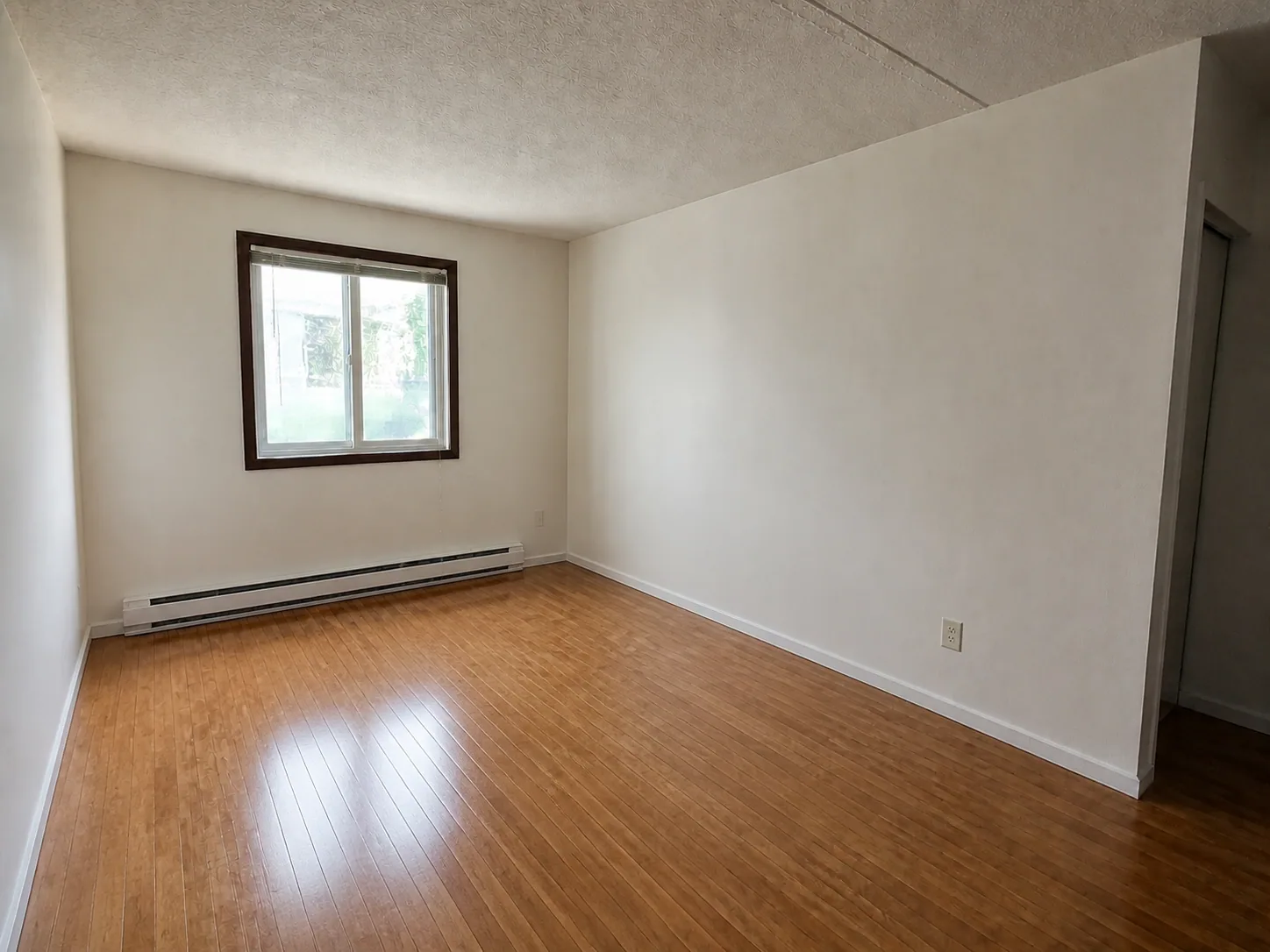 Original
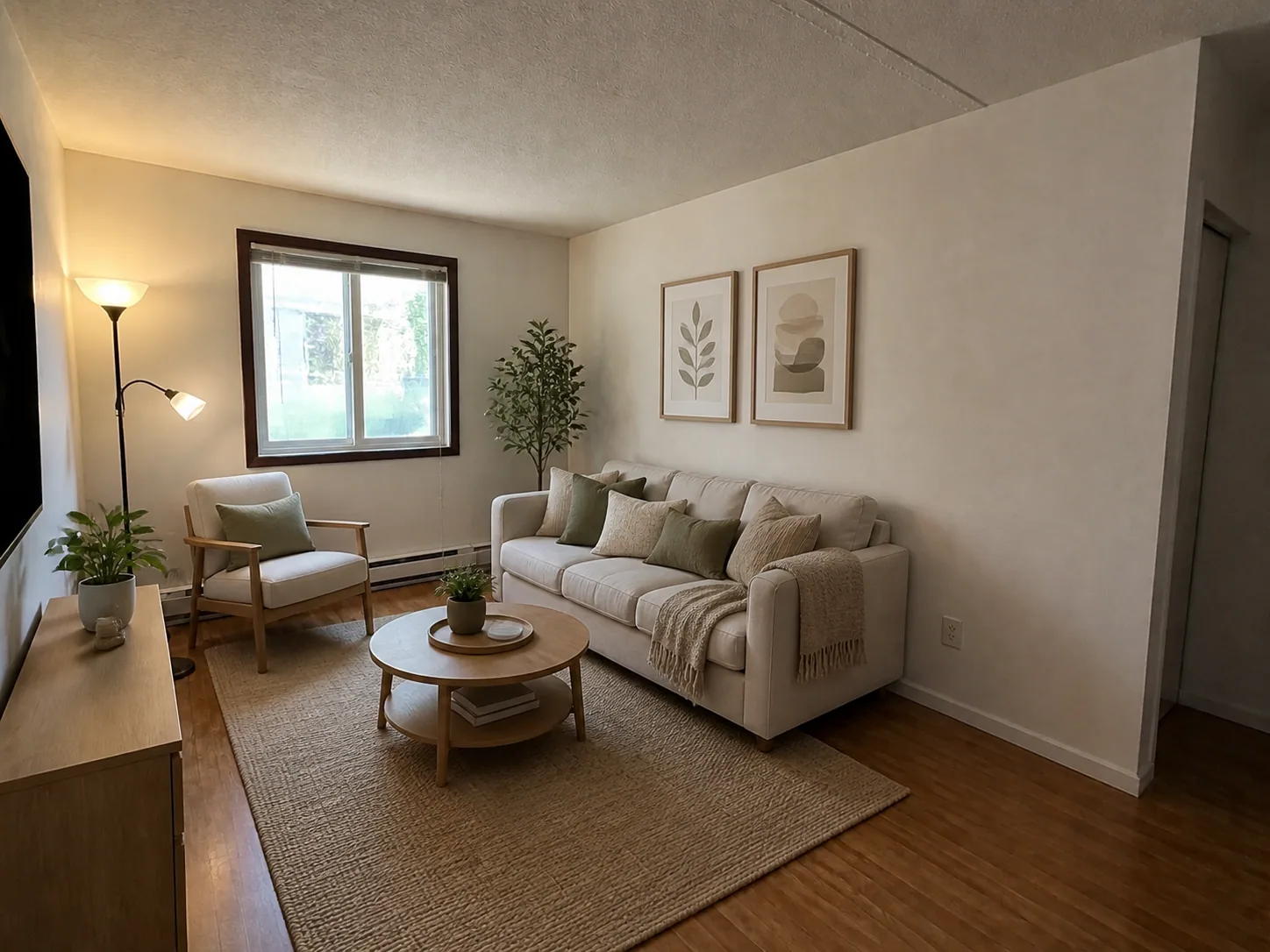 Staged
An unfurnished apartment gains a warmer, listing-ready living composition.
Each staged result keeps the property shell visible; furniture is a visual concept, not measured inventory.
AI DESIGN FEATURES
Show A Believable Use For Every Room, Stage For Renters, Families, Or Premium Buyers, Keep Windows, Walls, And Built-Ins Visible
EMPTY TO FURNISHED
Add appropriately scaled furniture and decor while keeping the underlying property easy to recognize. It is a visual planning aid, not a measured specification or installation instruction.
MATCH THE LISTING
Choose an occupancy goal and staging style that fits the audience rather than applying one generic furniture set. It is a visual planning aid, not a measured specification or installation instruction.
PROPERTY-FIRST RESULTS
Virtual staging should clarify the room, not disguise its fixed architecture or usable floor area. It is a visual planning aid, not a measured specification or installation instruction.
HOW IT WORKS
Build a clear staging brief for a specific room and listing audience.
Choose a straight, bright photo with the complete room shell visible.
Set the room type and furnishing direction for the listing.
Stage for a rental, sale listing, family home, or premium presentation.
Review the original and staged sequence for circulation, fit, and visible architecture before export.
QUESTIONS
Practical answers about the Virtual Staging workflow, inputs, results, and downloads.
Stage the space for its real audience while keeping the property itself recognizable.
CREDITS AND DOWNLOADS
Basic 1K uses 6 credits, Pro 2K uses 18 credits, and Ultra 4K uses 30 credits. Your first Basic preview is watermarked; paid credits unlock downloads. Failed generations return their credits.