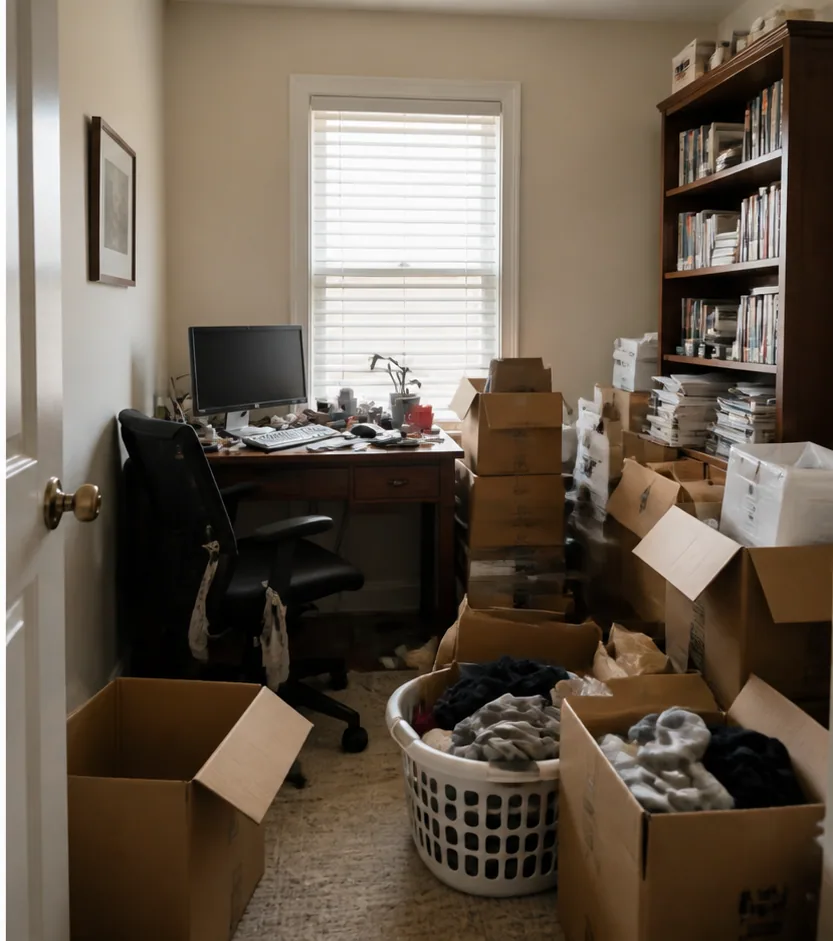
 Original
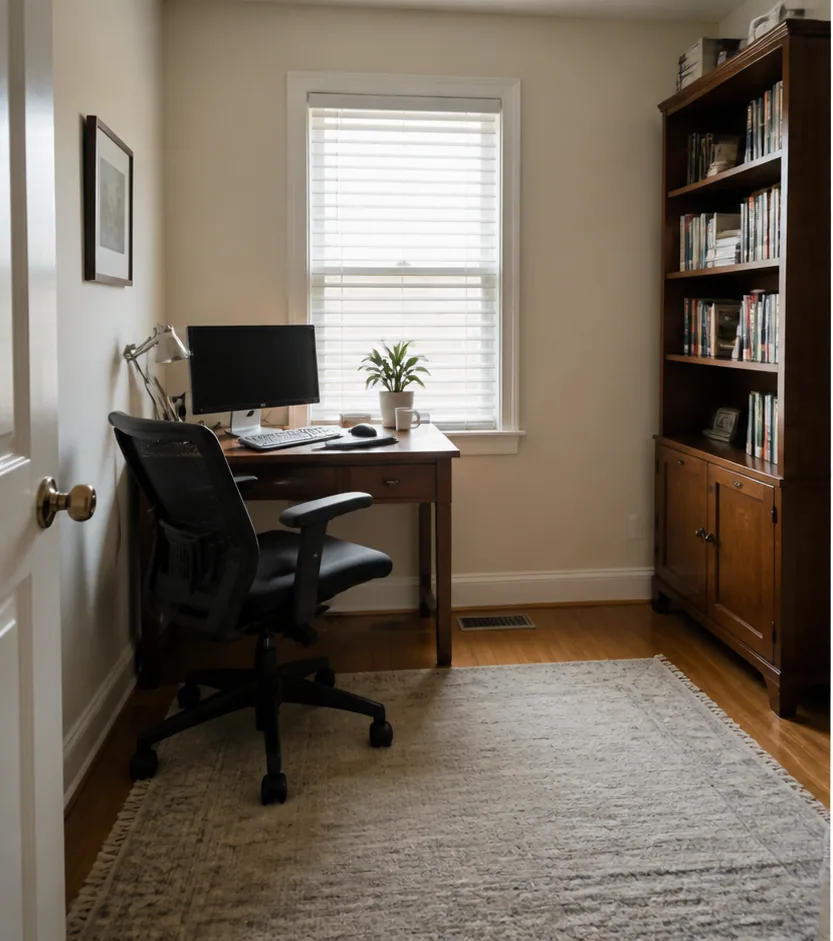 Cleared
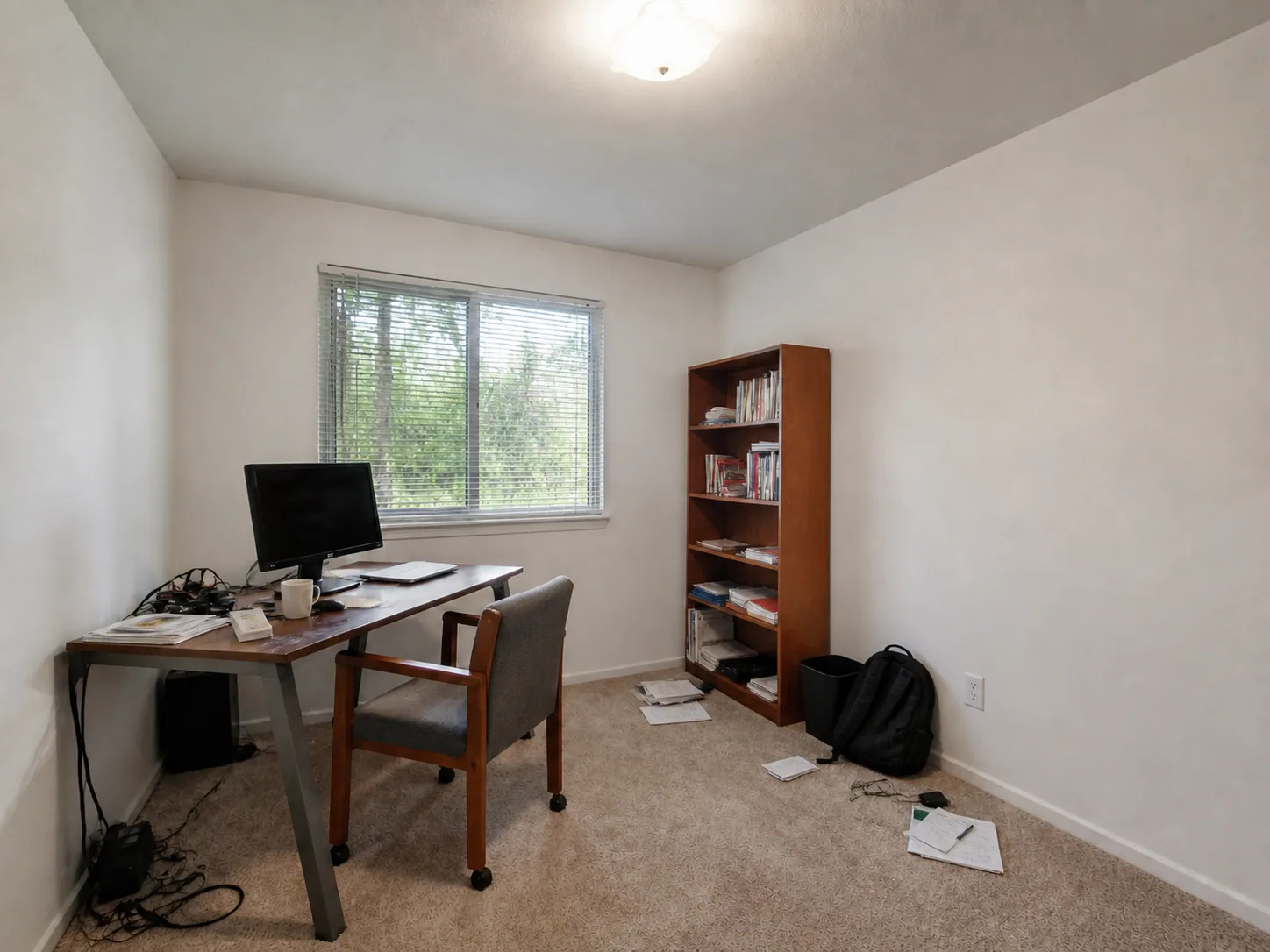
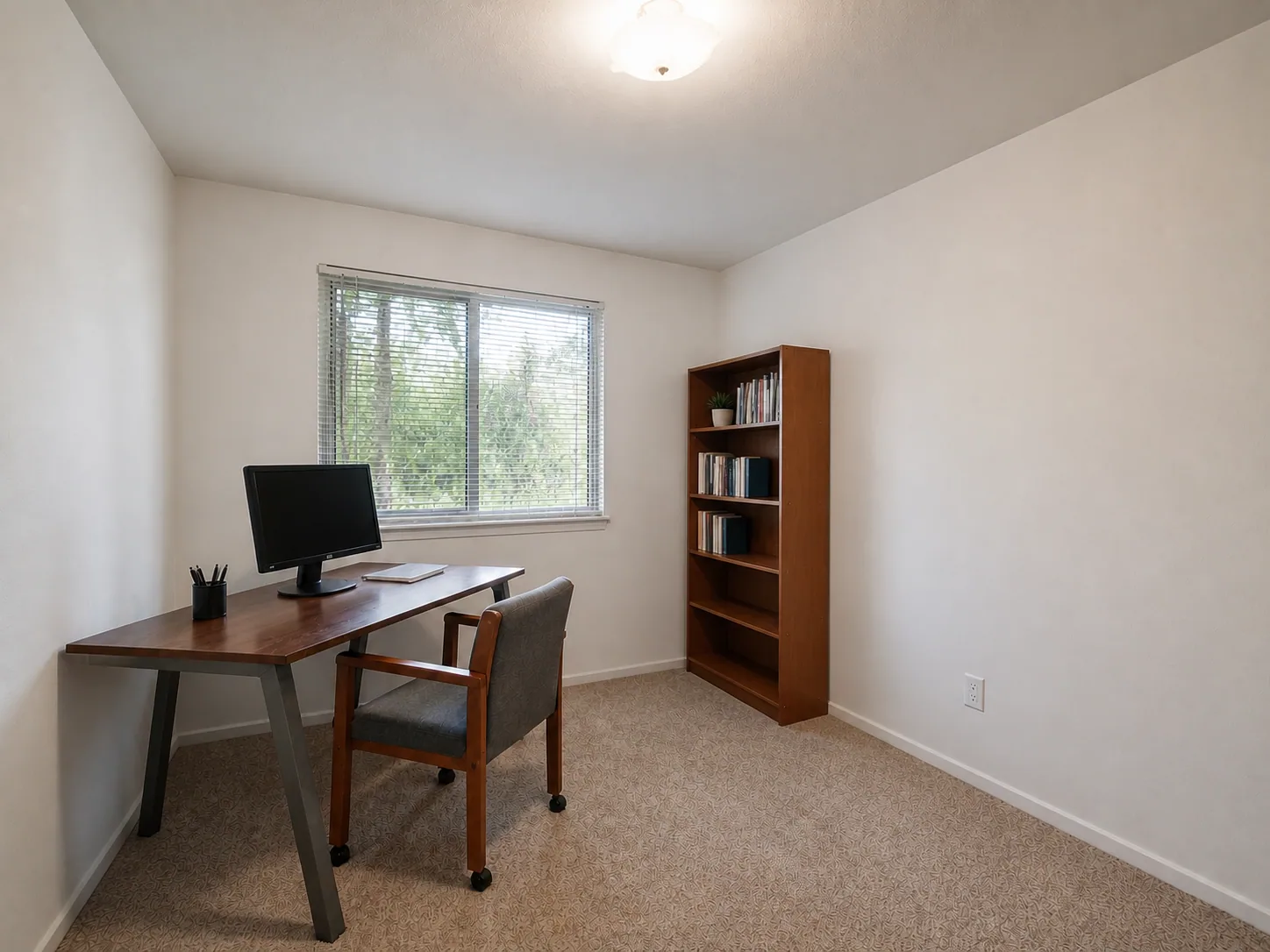
Overfilled home office
Boxes, laundry, and desk clutter are removed while the original office shell remains recognizable.
Output quality
Sign in to use credits6 credits will be used for this generation.
LIVE WORKSPACE
Preview your AI room design result
Your image will appear here
Upload an input, adjust the controls, and generate a concept without leaving this page.
CLEANER ROOM PRESENTATIONS
Compare different room types where visual noise is reduced without turning the space into an unrelated redesign.
OriginalClearedBoxes, laundry, and desk clutter are removed while the original office shell remains recognizable.
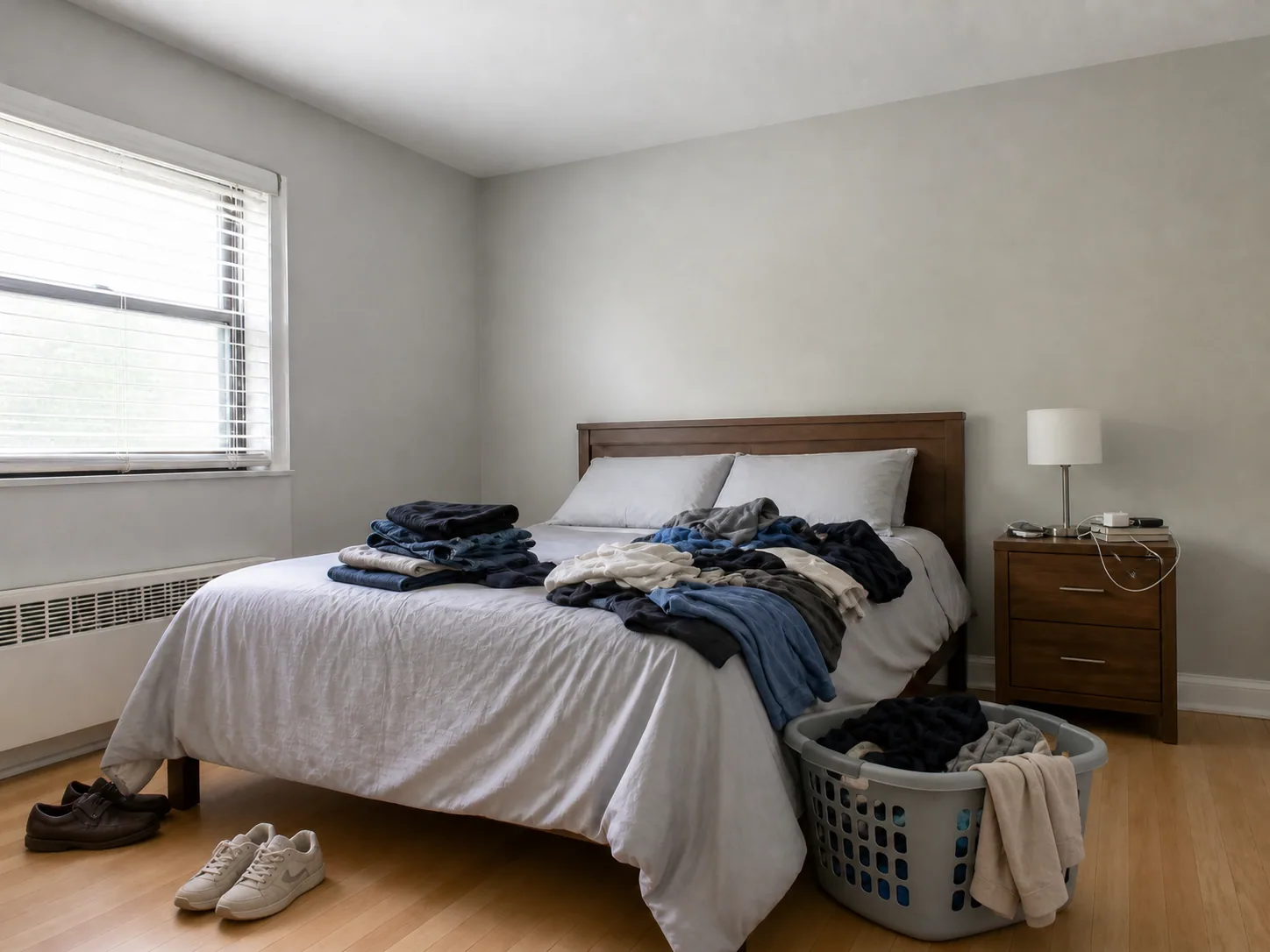 Original
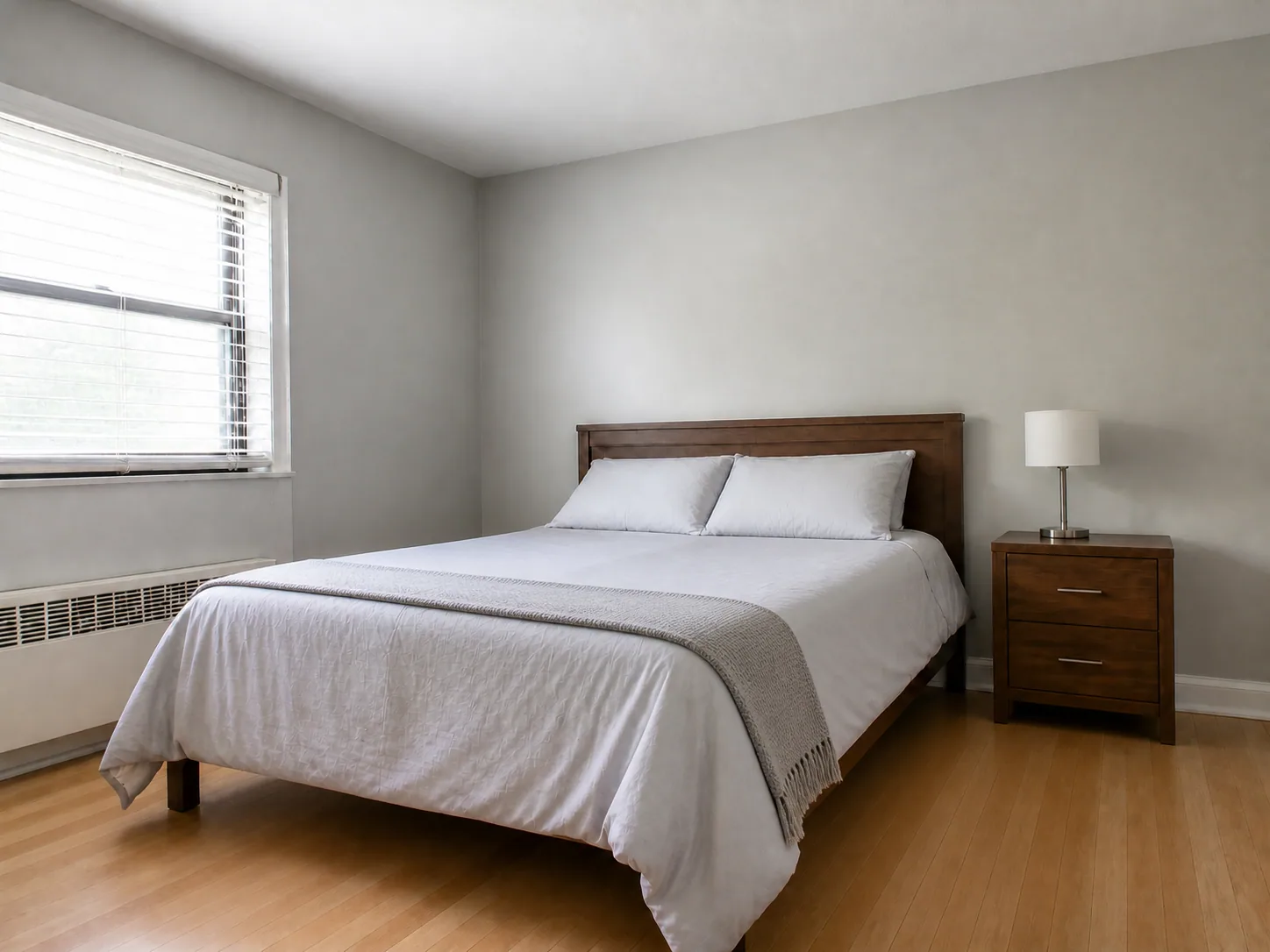 Cleared
Laundry and bedside visual noise are cleared without changing the bedroom finishes or furniture placement.
 Original
 Cleared
Daily desk clutter is removed while the original work zone, walls, and storage remain intact.
The cleared state removes visual distractions so the room itself is easier to assess.
AI DESIGN FEATURES
Focus The Cleanup On Specific Distractions, Choose Light, Balanced, Or Listing-Ready, Reconstruct Floors, Tables, And Walls Behind Objects
REMOVE WHAT YOU NAME
Select boxes, laundry, cables, toys, countertop clutter, or custom objects instead of asking for a total redesign. It is a visual planning aid, not a measured specification or installation instruction.
CONTROL THE CLEANUP
The cleanup level controls how much visual noise is removed while the brief protects important personal items. It is a visual planning aid, not a measured specification or installation instruction.
BELIEVABLE SURFACES
The result aims to fill exposed surfaces coherently so removed items do not leave obvious cutout holes. It is a visual planning aid, not a measured specification or installation instruction.
HOW IT WORKS
A precise removal brief produces a more controlled cleanup concept.
Use a clear image where the distracting items and surrounding surfaces are visible.
Choose common clutter types and describe any specific object.
Pick a light tidy-up, balanced cleanup, or listing-ready result.
Inspect the original and cleared states for floors, tabletops, walls, and object edges.
QUESTIONS
Practical answers about the Declutter & Remove workflow, inputs, results, and downloads.
Name the distractions, protect what matters, and preview a cleaner room presentation.
CREDITS AND DOWNLOADS
Basic 1K uses 6 credits, Pro 2K uses 18 credits, and Ultra 4K uses 30 credits. Your first Basic preview is watermarked; paid credits unlock downloads. Failed generations return their credits.
