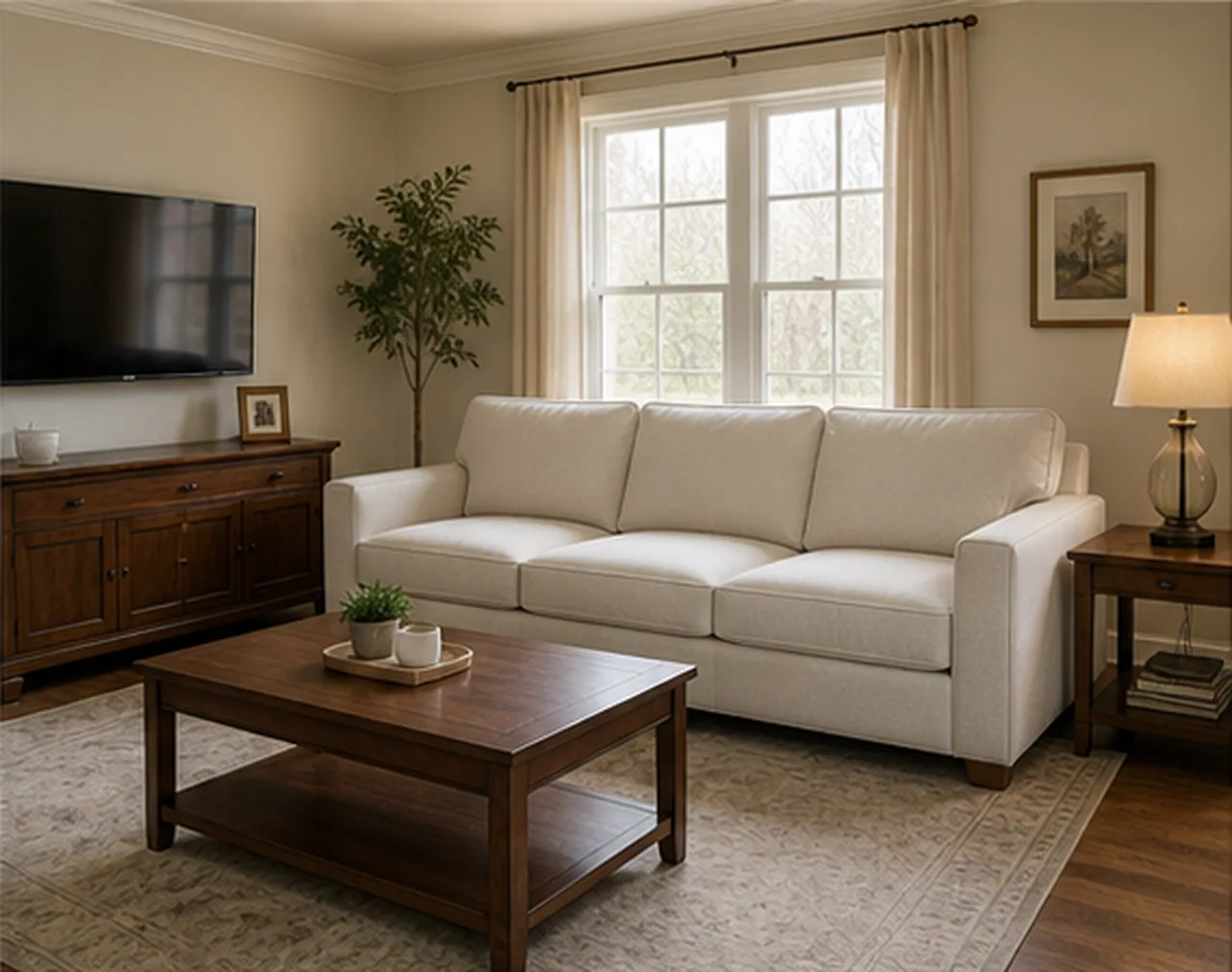
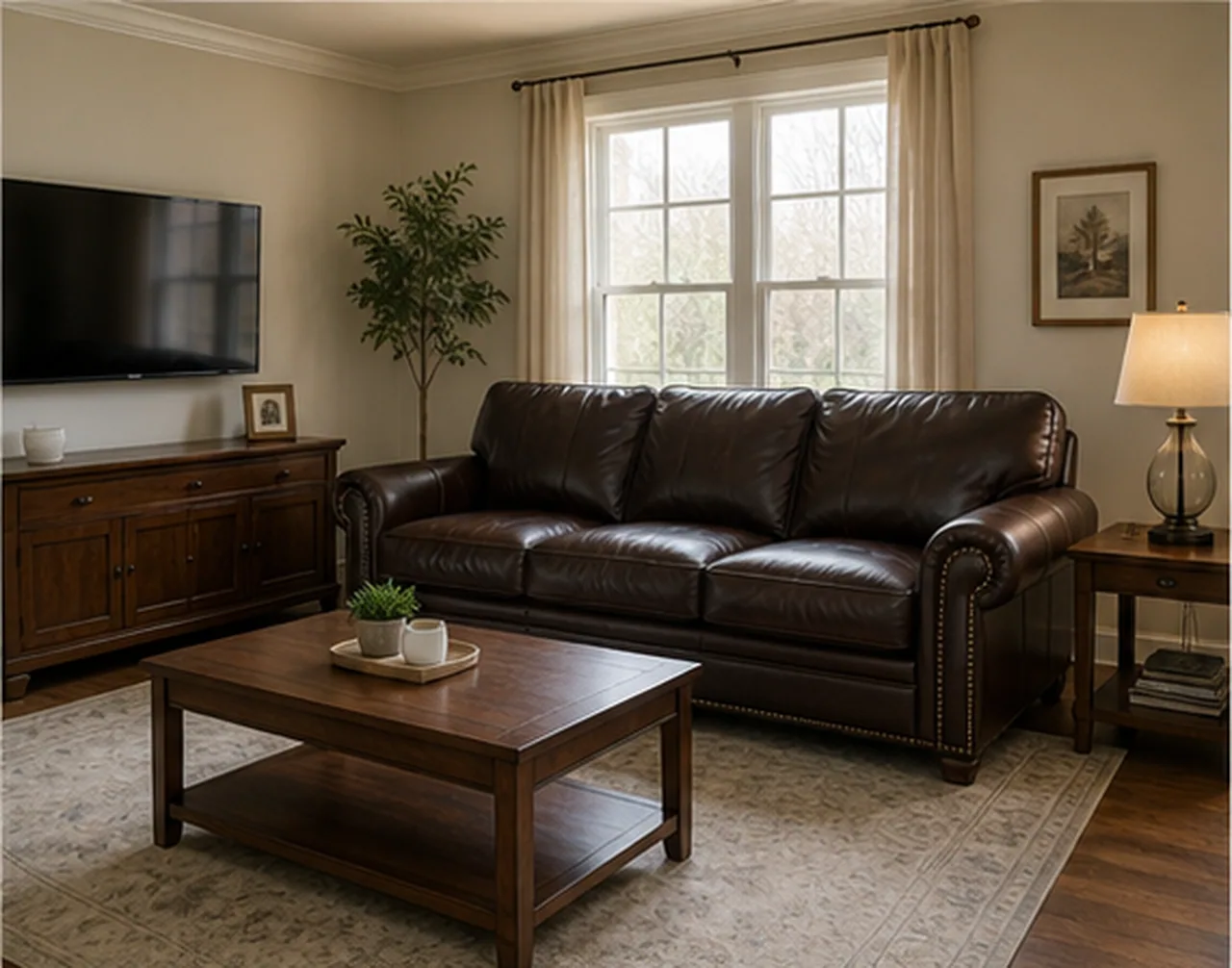
After
Before
Replace Furniture
Output quality
Sign in to use credits18 credits will be used for this generation.
LIVE WORKSPACE
Preview your AI room design result
Your image will appear here
Upload an input, adjust the controls, and generate a concept without leaving this page.
FINISHED CASES
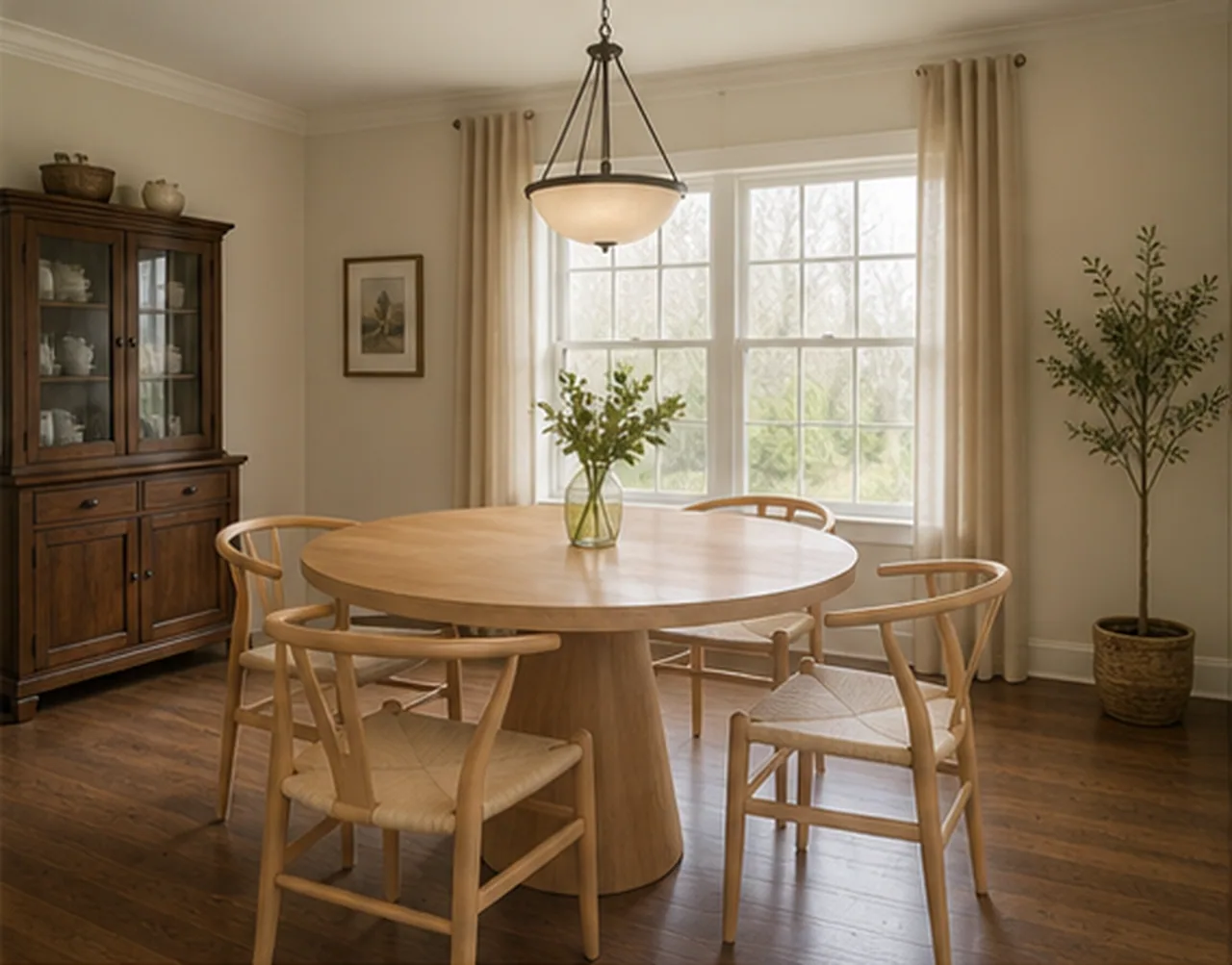
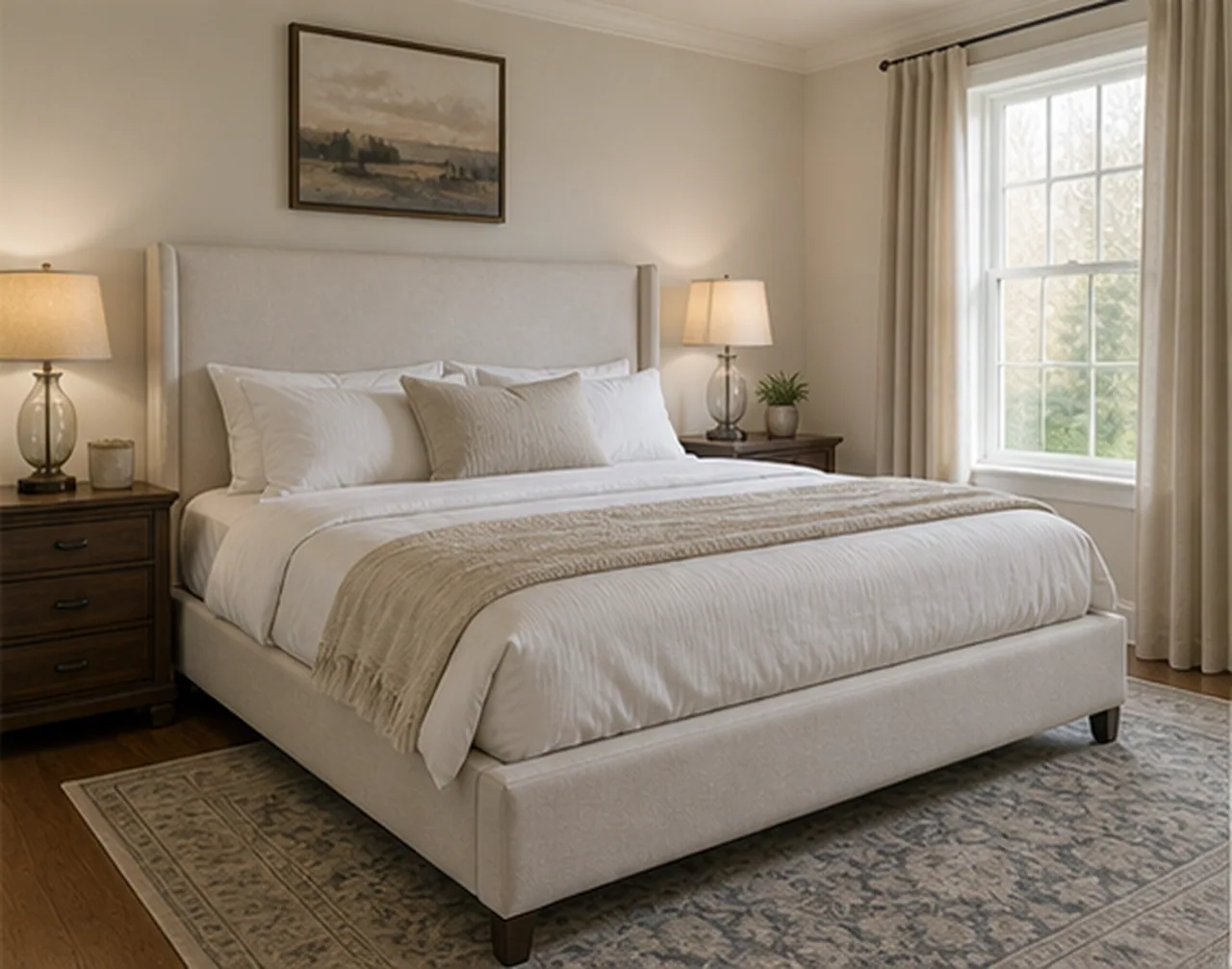
The before-and-after view makes it clear what changed: furniture pieces and styling, not the walls or floor.
Replace Furniture
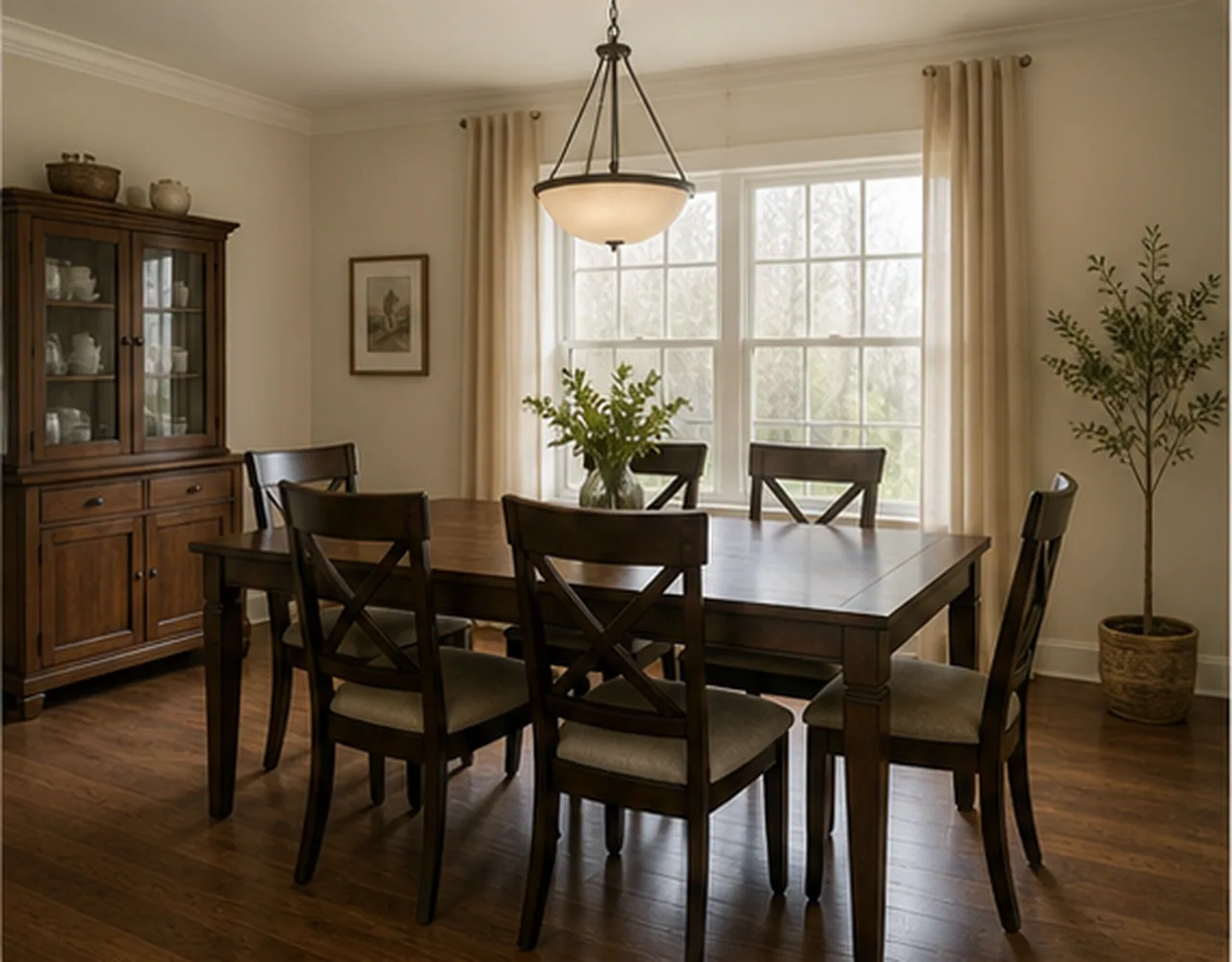
Replace Furniture
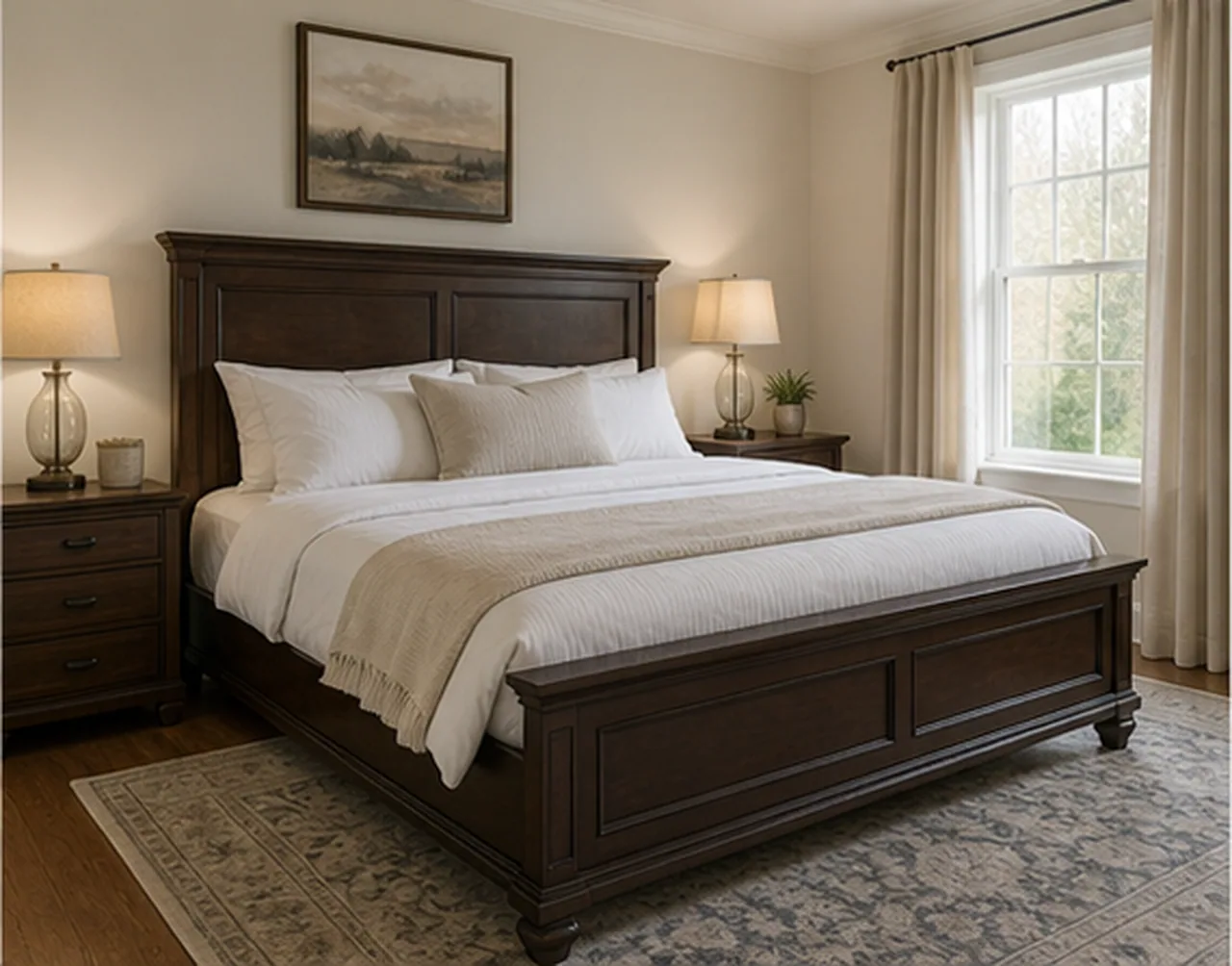
Replace Furniture
AI DESIGN FEATURES
Configure The Replace Furniture Decision Before Generation, Use Project Notes As Real Constraints, Download A Concept That Still Needs Human Review
PARAMETER SCOPE
Set specific furniture pieces, replacement style, scale, and keep conditions so the output answers a specific project question before any purchase, move, or production step. It is a visual planning aid, not a measured specification or installation instruction.
NATURAL LANGUAGE
Describe what to preserve, remove, emphasize, avoid, or compare without translating the brief into technical prompt syntax. It is a visual planning aid, not a measured specification or installation instruction.
REVIEWABLE DELIVERY
The result is made for planning, marketing, or design discussion rather than final specification, compliance, or construction use. It is a visual planning aid, not a measured specification or installation instruction.
HOW IT WORKS
A controlled workflow keeps Replace Furniture focused on specific furniture pieces, replacement style, scale, and keep conditions.
Start Replace Furniture with the room photo, plan, sketch, or property image plus the practical goal you want to test.
Select specific furniture pieces, replacement style, scale, and keep conditions, quality, preservation rules, and any visible areas that should stay fixed or change.
RoomMaker interprets your written notes as natural language constraints, including must-keep elements, avoid lists, and audience needs.
Generate the AI scheme, compare the before-and-after result, then download the delivered image when the direction is ready to keep.
QUESTIONS
Practical answers about the Replace Furniture workflow, inputs, results, and downloads.
Use a room photo and written brief to test replacement furniture before buying or moving heavy pieces.
CREDITS AND DOWNLOADS
Basic 1K uses 6 credits, Pro 2K uses 18 credits, and Ultra 4K uses 30 credits. Your first Basic preview is watermarked; paid credits unlock downloads. Failed generations return their credits.