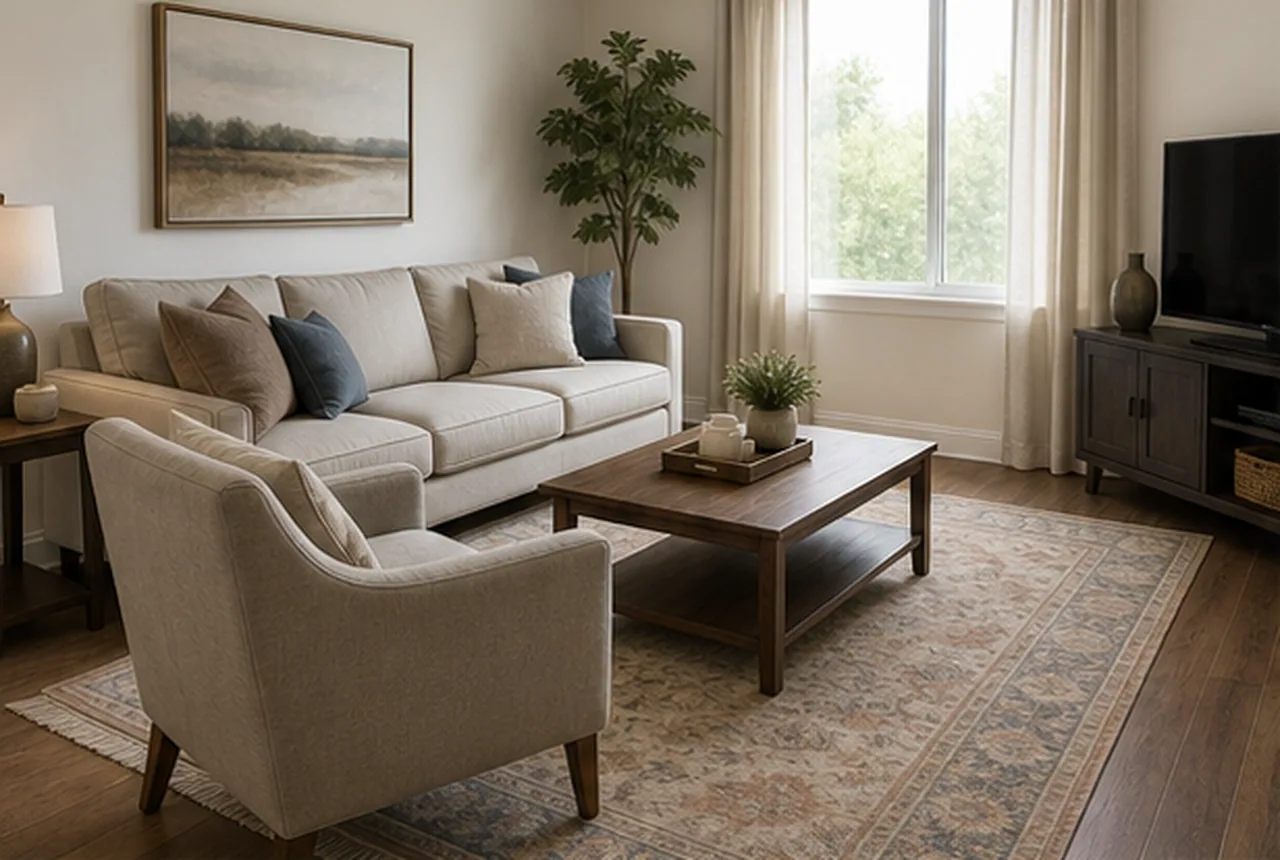
 Original
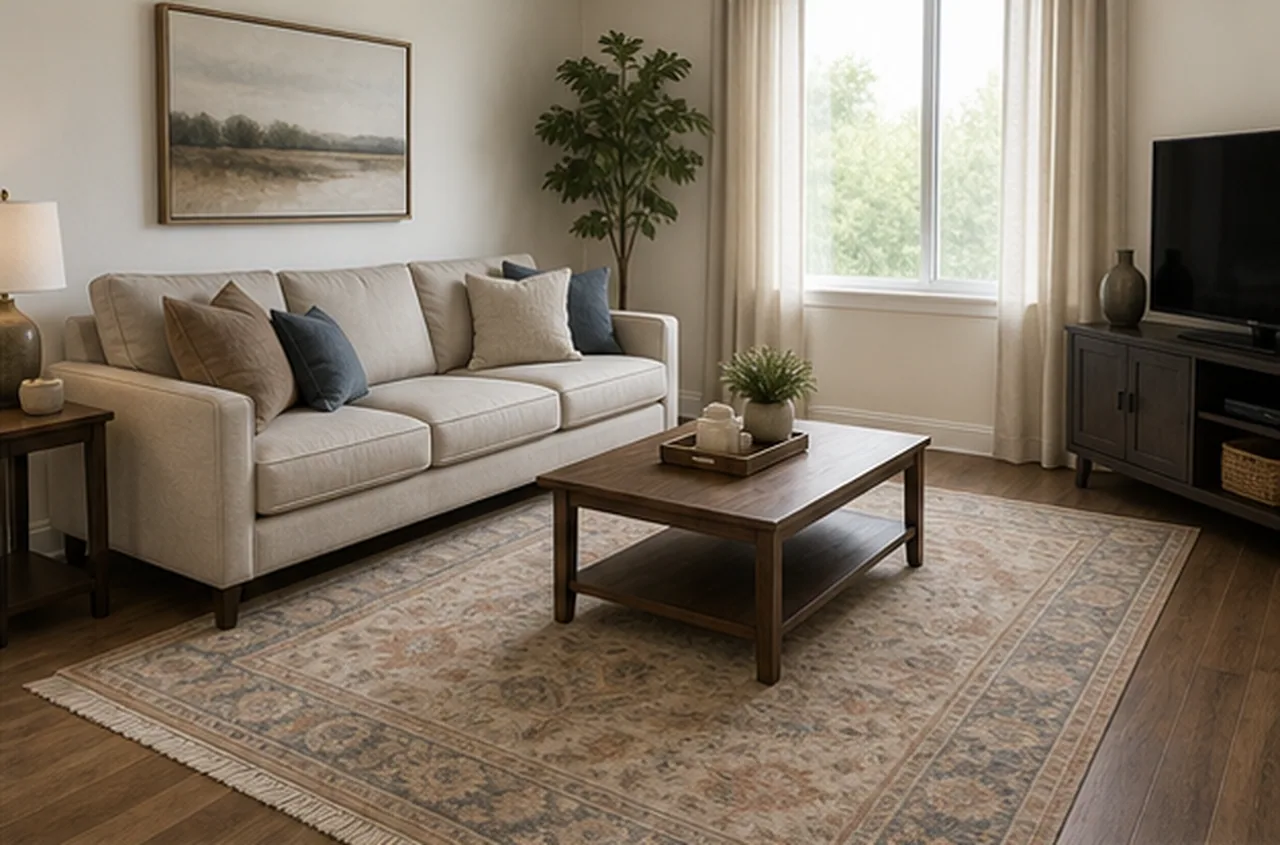 Staged
Remove one bulky armchair from the living room
A bulky armchair is removed to open the walkway while the sofa, coffee table, rug, windows, art, plants, floor, and lighting remain unchanged.
Output quality
Sign in to use credits18 credits will be used for this generation.
LIVE WORKSPACE
Preview your AI room design result
Your image will appear here
Upload an input, adjust the controls, and generate a concept without leaving this page.
FINISHED CASES
The result keeps the room truthful while removing loose furniture and visual clutter that blocks judgment.
OriginalStagedA bulky armchair is removed to open the walkway while the sofa, coffee table, rug, windows, art, plants, floor, and lighting remain unchanged.
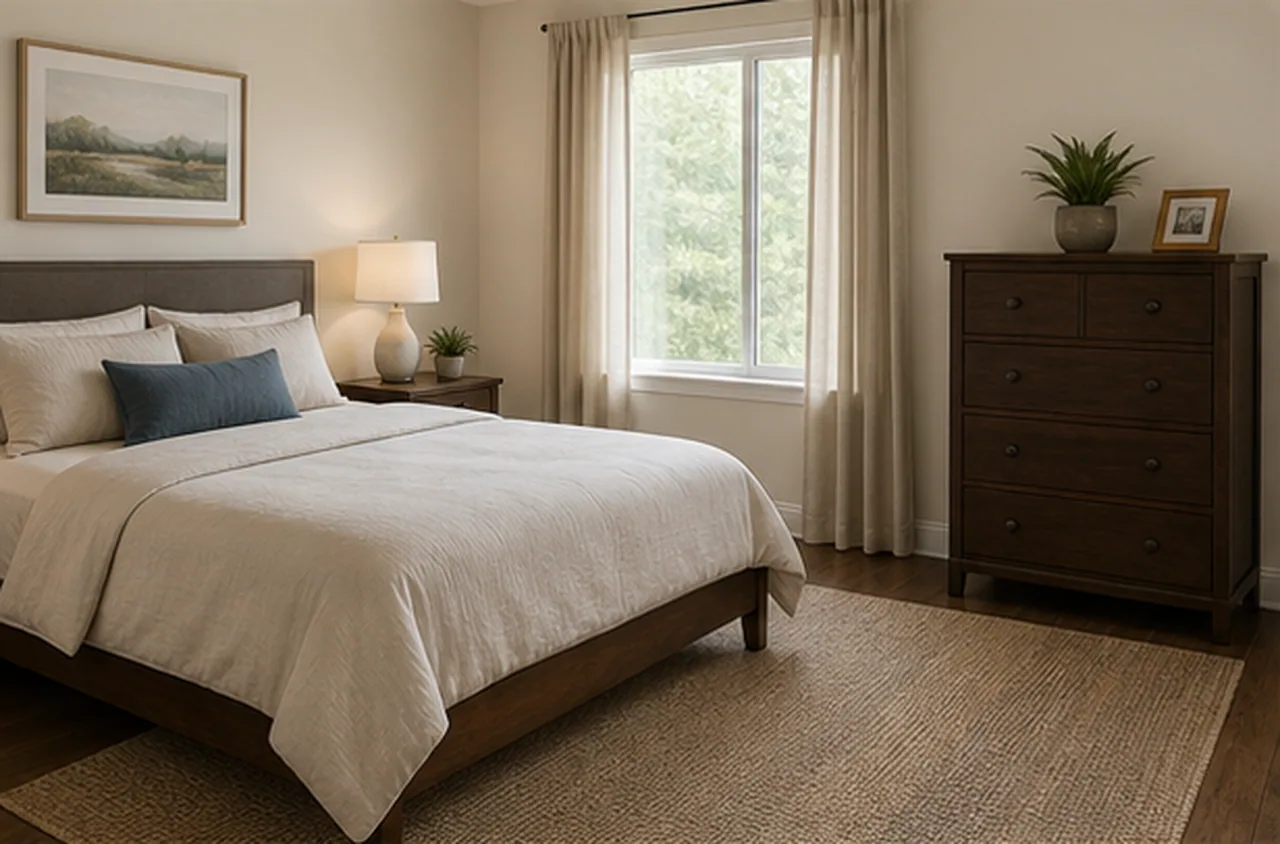 Original
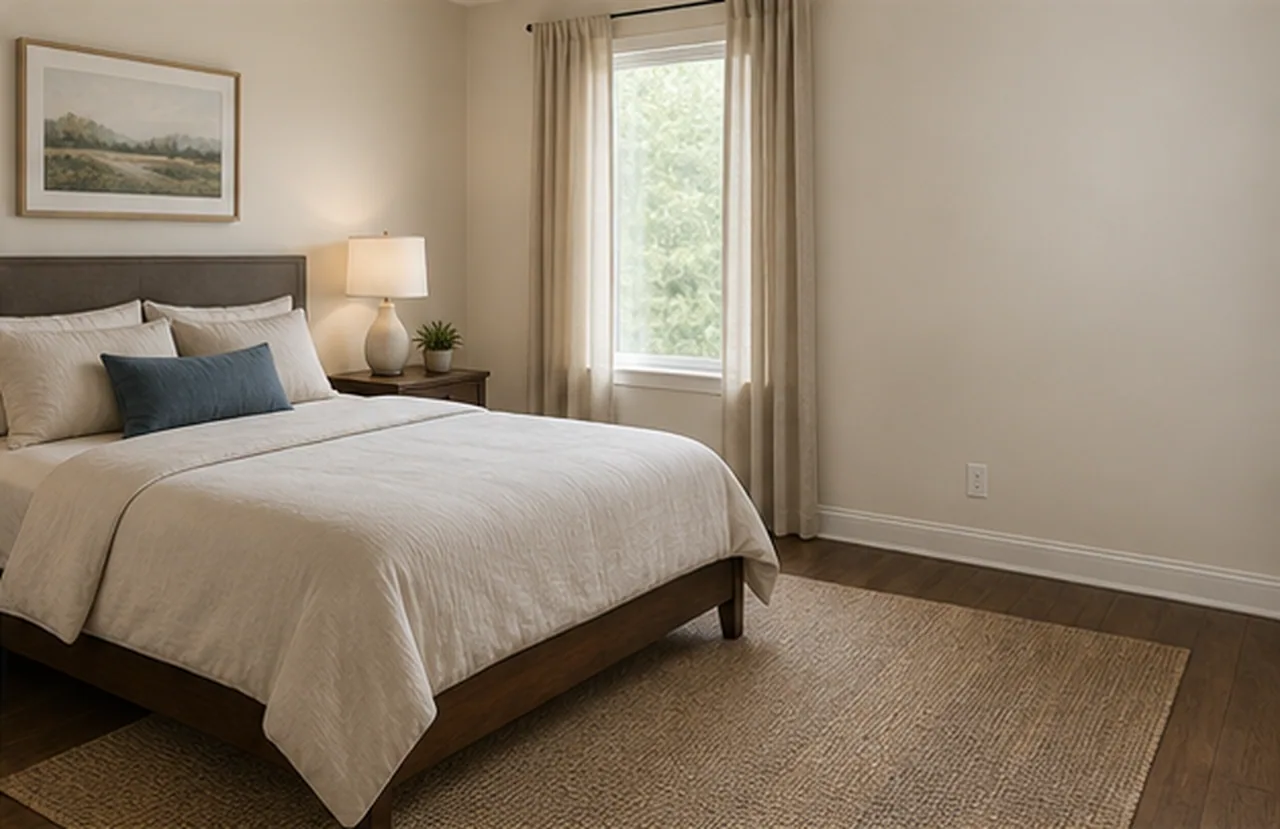 Staged
The extra dresser disappears while the bed, lamps, nightstands, closet doors, window, floor, wall tone, and camera view remain intact.
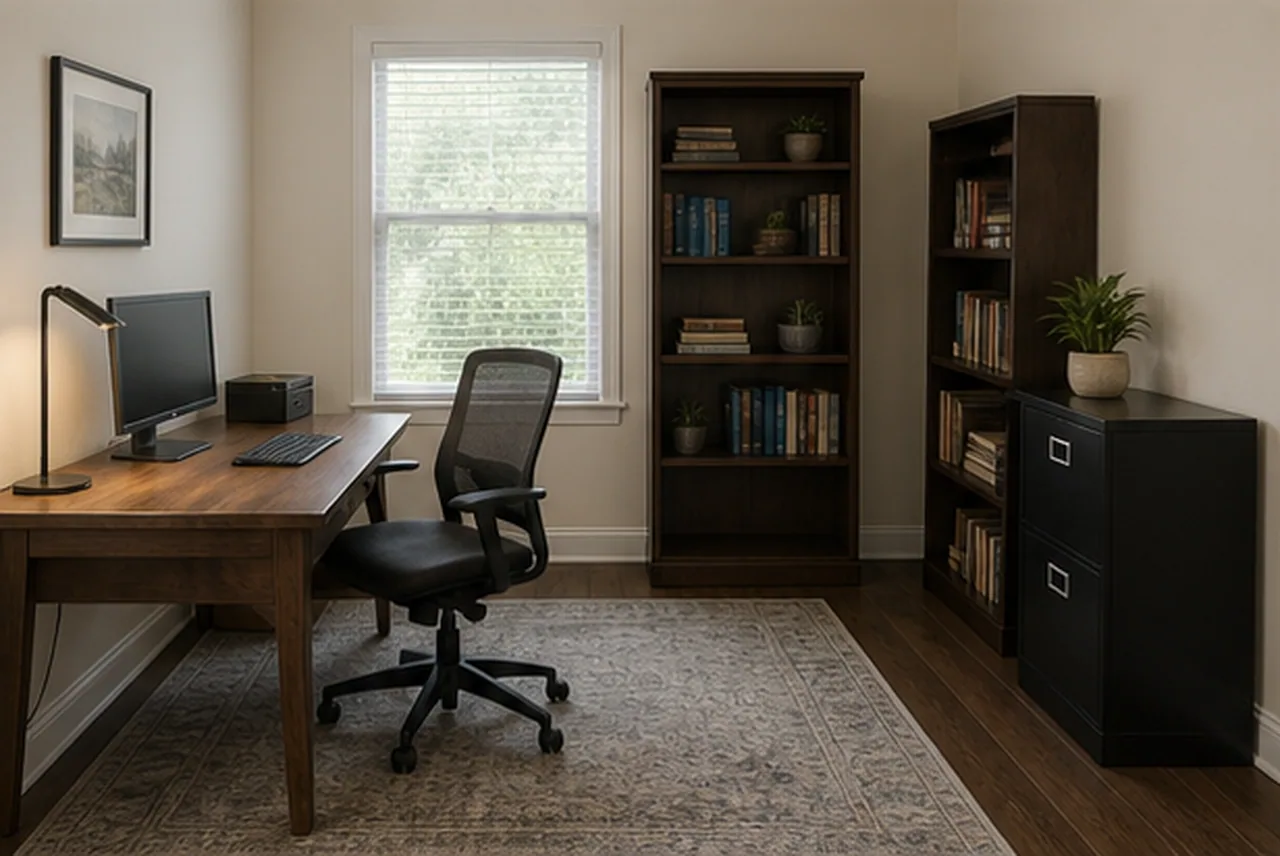 Original
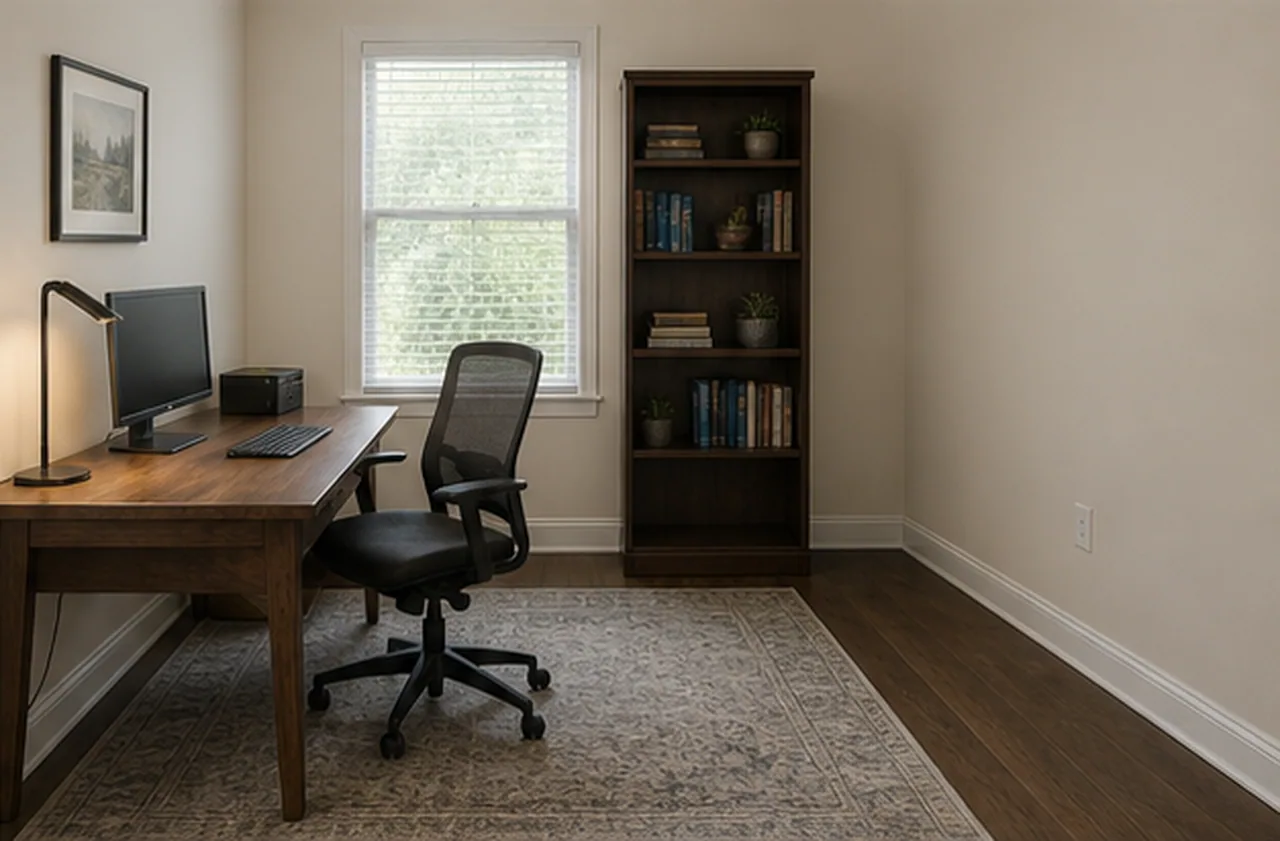 Staged
Tall storage units are cleared from the office wall while desk position, chair, rug, window, shelves, flooring, and room light stay the same.
Each staged result keeps the property shell visible; furniture is a visual concept, not measured inventory.
AI DESIGN FEATURES
Configure The Remove Furniture Decision Before Generation, Use Project Notes As Real Constraints, Download A Concept That Still Needs Human Review
PARAMETER SCOPE
Set selected furniture removal, protected items, surface fill, and next-use planning so the output answers a specific project question before any purchase, move, or production step. It is a visual planning aid, not a measured specification or installation instruction.
NATURAL LANGUAGE
Describe what to preserve, remove, emphasize, avoid, or compare without translating the brief into technical prompt syntax. It is a visual planning aid, not a measured specification or installation instruction.
REVIEWABLE DELIVERY
The result is made for planning, marketing, or design discussion rather than final specification, compliance, or construction use. It is a visual planning aid, not a measured specification or installation instruction.
HOW IT WORKS
A controlled workflow keeps Remove Furniture focused on selected furniture removal, protected items, surface fill, and next-use planning.
Start Remove Furniture with the room photo, plan, sketch, or property image plus the practical goal you want to test.
Select selected furniture removal, protected items, surface fill, and next-use planning, quality, preservation rules, and any visible areas that should stay fixed or change.
RoomMaker interprets your written notes as natural language constraints, including must-keep elements, avoid lists, and audience needs.
Generate the AI scheme, compare the before-and-after result, then download the delivered image when the direction is ready to keep.
QUESTIONS
Practical answers about the Remove Furniture workflow, inputs, results, and downloads.
Upload a cluttered space and describe what to remove so the room can be reviewed clearly.
CREDITS AND DOWNLOADS
Basic 1K uses 6 credits, Pro 2K uses 18 credits, and Ultra 4K uses 30 credits. Your first Basic preview is watermarked; paid credits unlock downloads. Failed generations return their credits.
