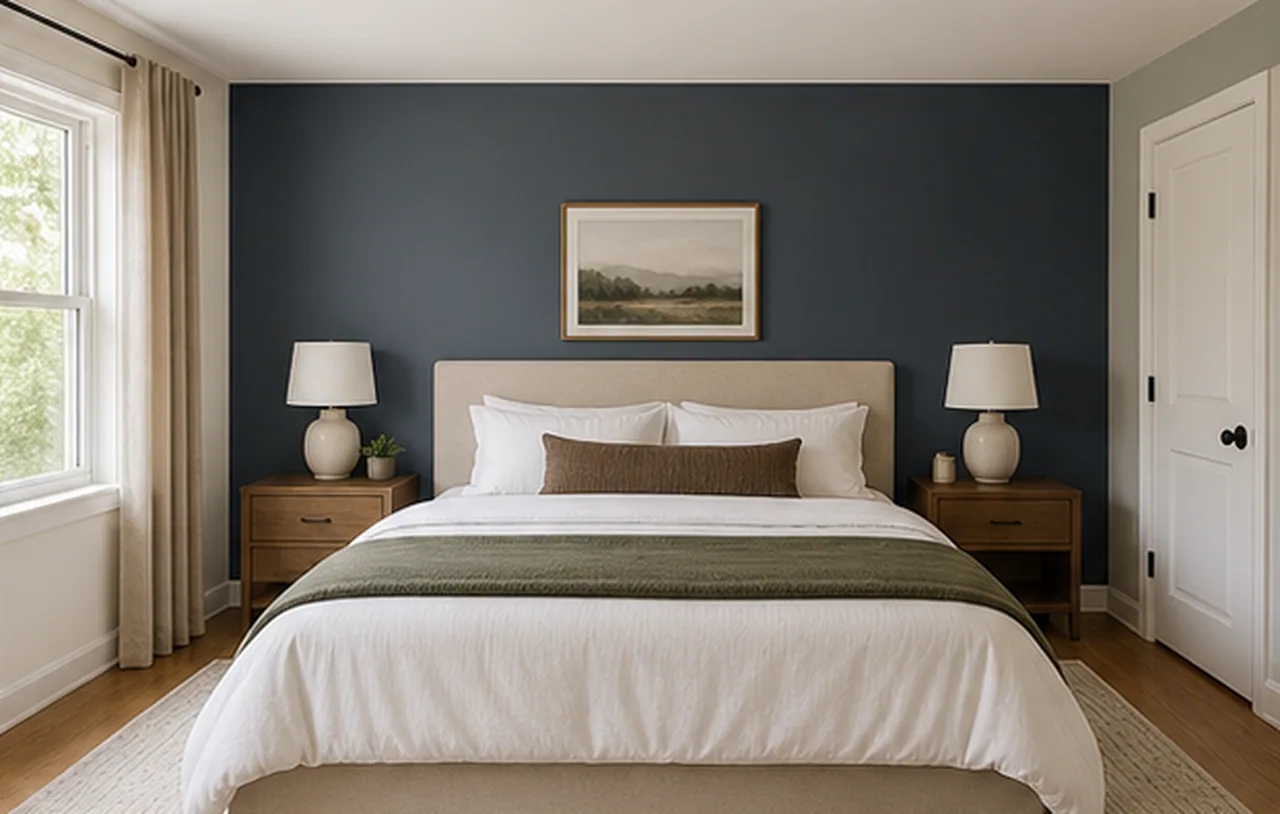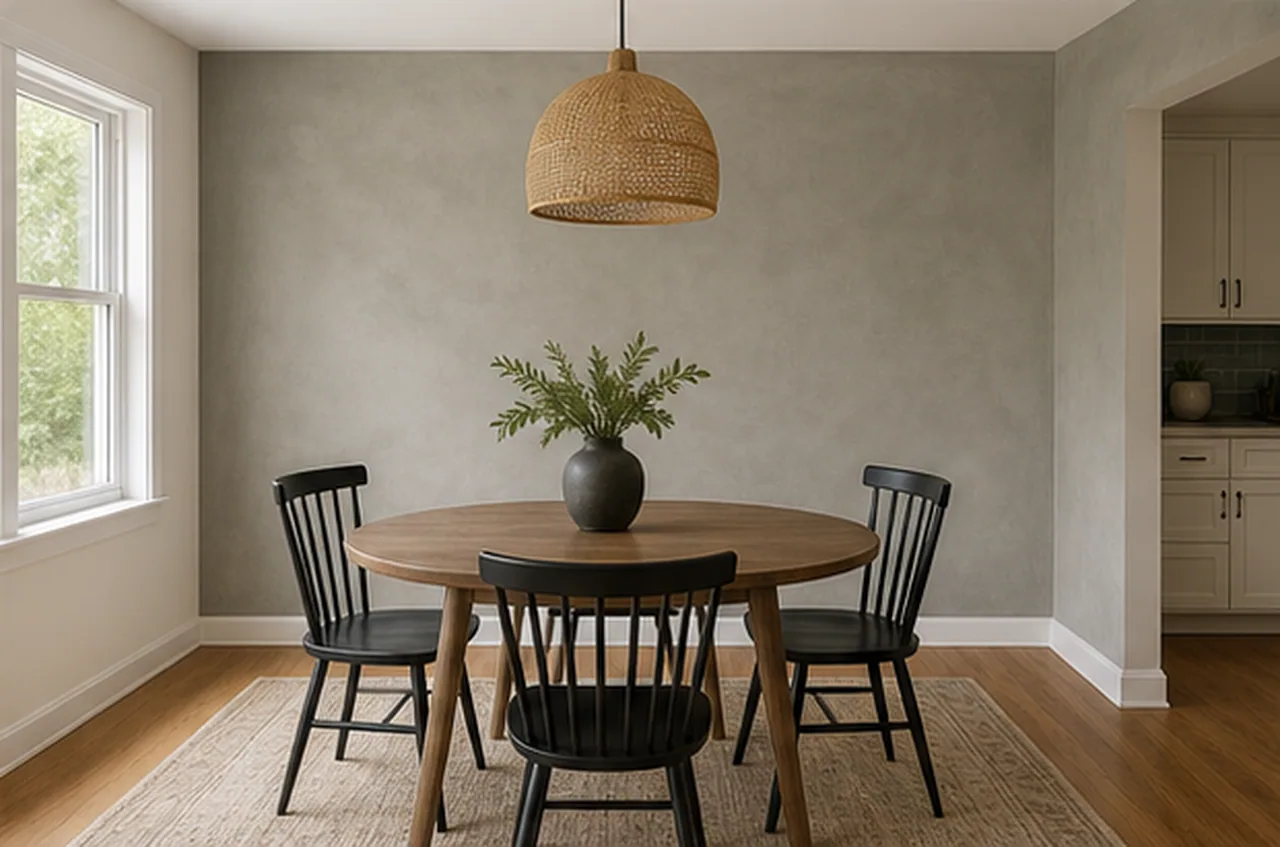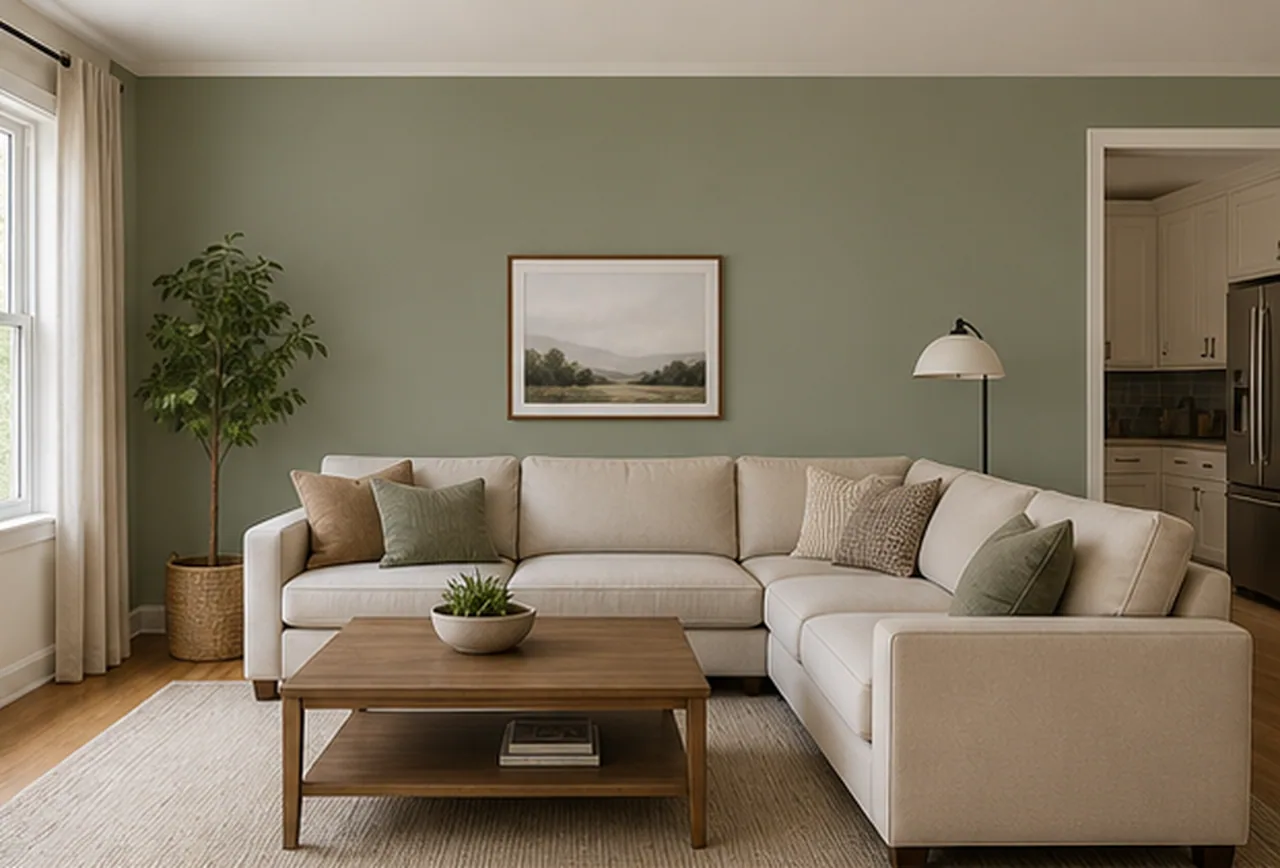
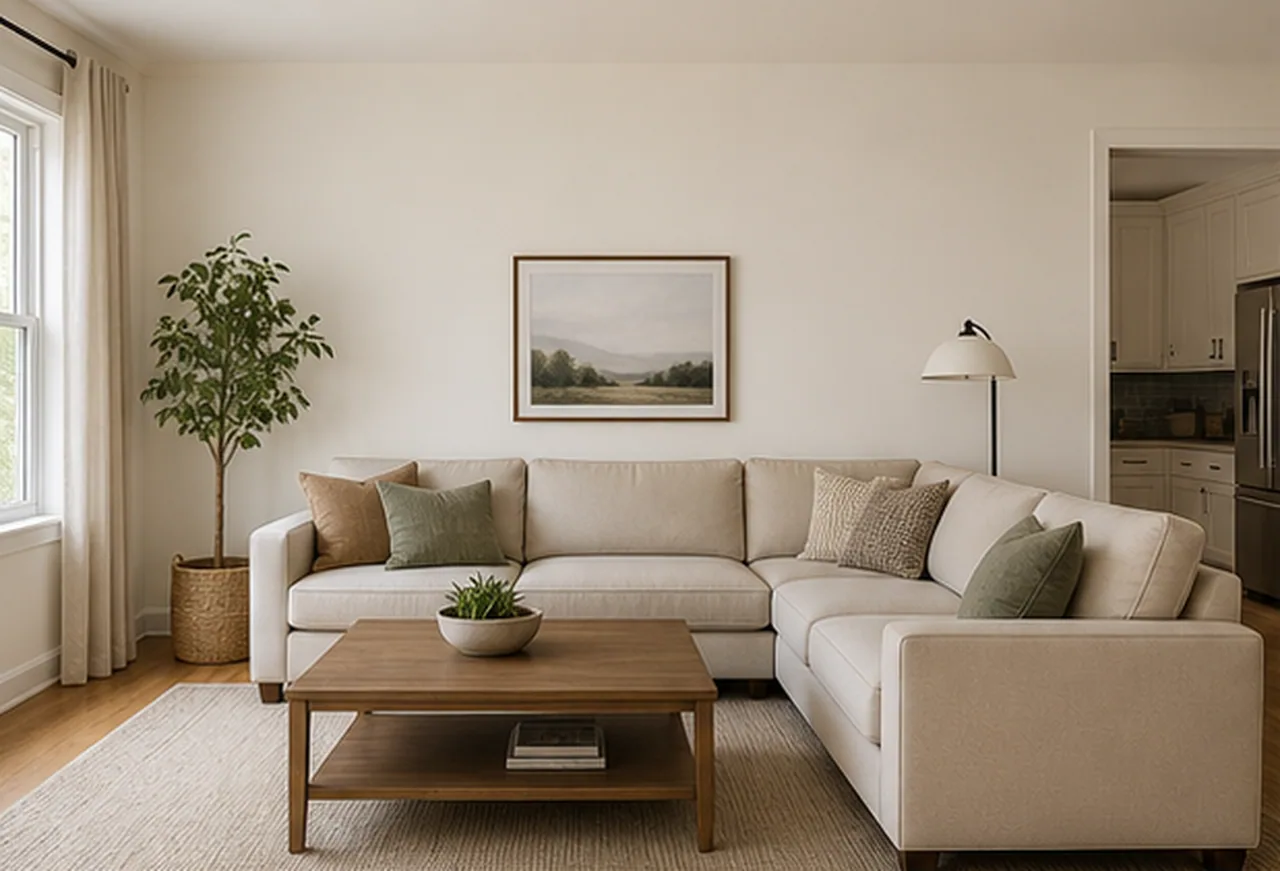
Paint preview
Before
Wall Paint Visualizer
Output quality
Sign in to use credits6 credits will be used for this generation.
LIVE WORKSPACE
Preview your AI room design result
Your image will appear here
Upload an input, adjust the controls, and generate a concept without leaving this page.
WALL PAINT PREVIEW
Use a real room photo to judge how a wall color direction sits beside daylight, wood tones, furniture, and trim before you order samples.
Wall Paint Visualizer
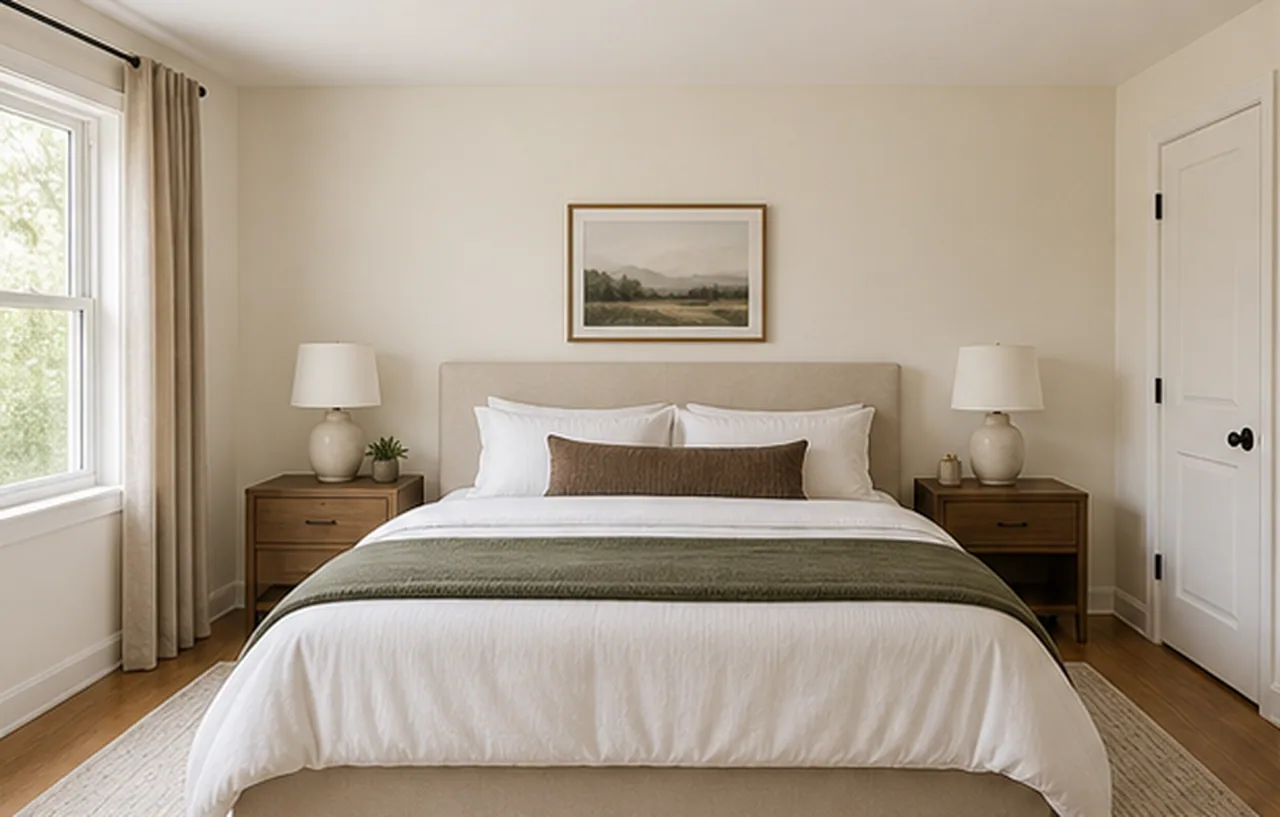
Wall Paint Visualizer
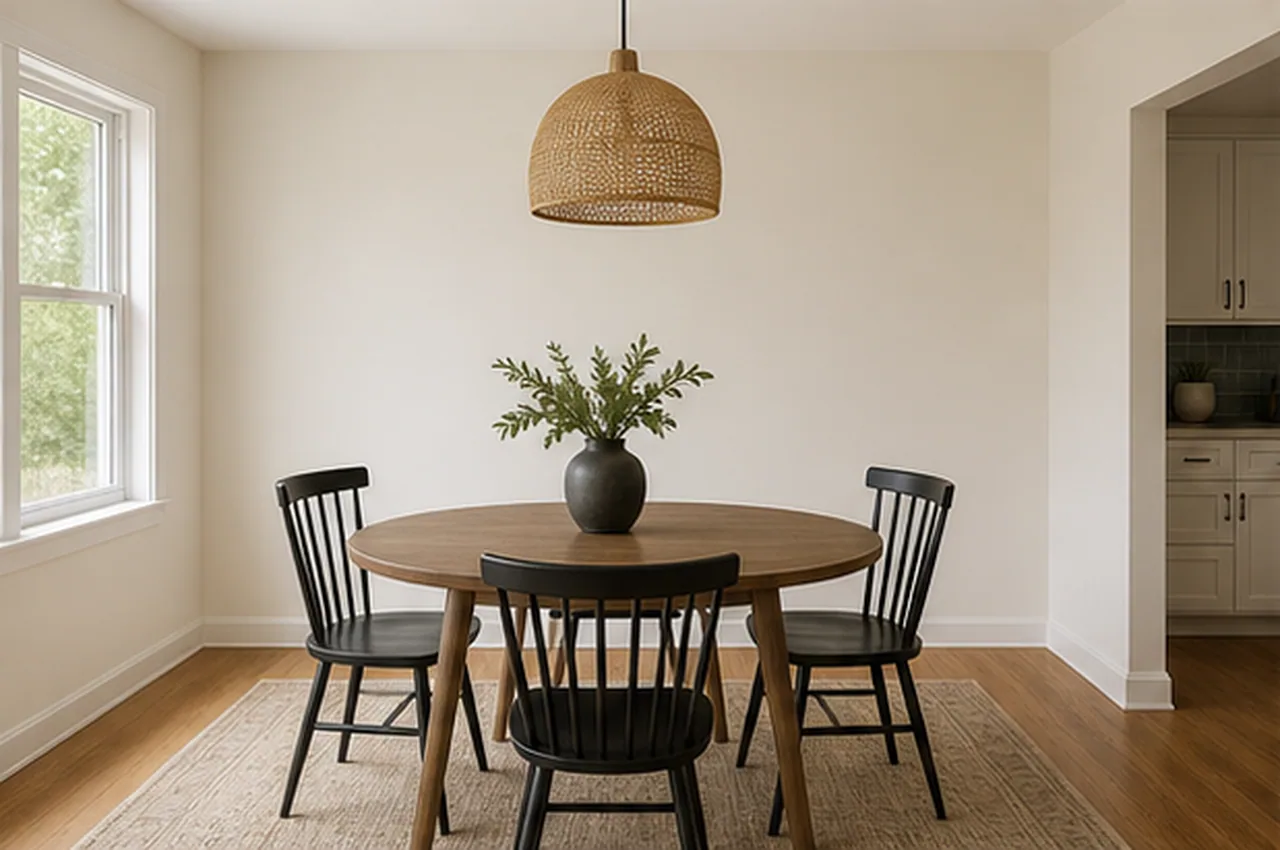
Wall Paint Visualizer
AI DESIGN FEATURES
Compare A Palette Before Ordering Samples, See How A Finish Changes The Wall Presence, Test A Direction Before Detail Decisions
PALETTE IN CONTEXT
A room photo exposes undertones and contrast that a small swatch hides, so you can narrow the palette before buying samples, not approve an exact paint match. It is a visual planning aid, not a measured specification or installation instruction.
FINISH, NOT JUST COLOR
Compare matte, limewash, plaster, or eggshell character against your existing light and furnishings without treating the preview as a paint-specification or sheen guarantee. It is a visual planning aid, not a measured specification or installation instruction.
VISIBLE-WALL PREVIEW
The preview helps you decide whether a color direction belongs in the room, but inferred wall edges are not a replacement for masking, prep, or quantity planning. It is a visual planning aid, not a measured specification or installation instruction.
HOW IT WORKS
Keep the brief focused on wall color and finish so the generated preview is easier to evaluate alongside real paint samples.
Use a clear, evenly lit photo that shows the walls you are considering.
Start with a warm neutral, muted color, or deeper contrast direction.
Choose a matte, limewash, eggshell, plaster, or microcement look.
Use the concept to narrow the direction, then verify exact color and sheen with physical samples.
QUESTIONS
Practical answers about the Wall Paint Visualizer workflow, inputs, results, and downloads.
Upload the actual room, choose a starting palette, and compare a visual direction before narrowing down physical paint samples.
CREDITS AND DOWNLOADS
Basic 1K uses 6 credits, Pro 2K uses 18 credits, and Ultra 4K uses 30 credits. Your first Basic preview is watermarked; paid credits unlock downloads. Failed generations return their credits.