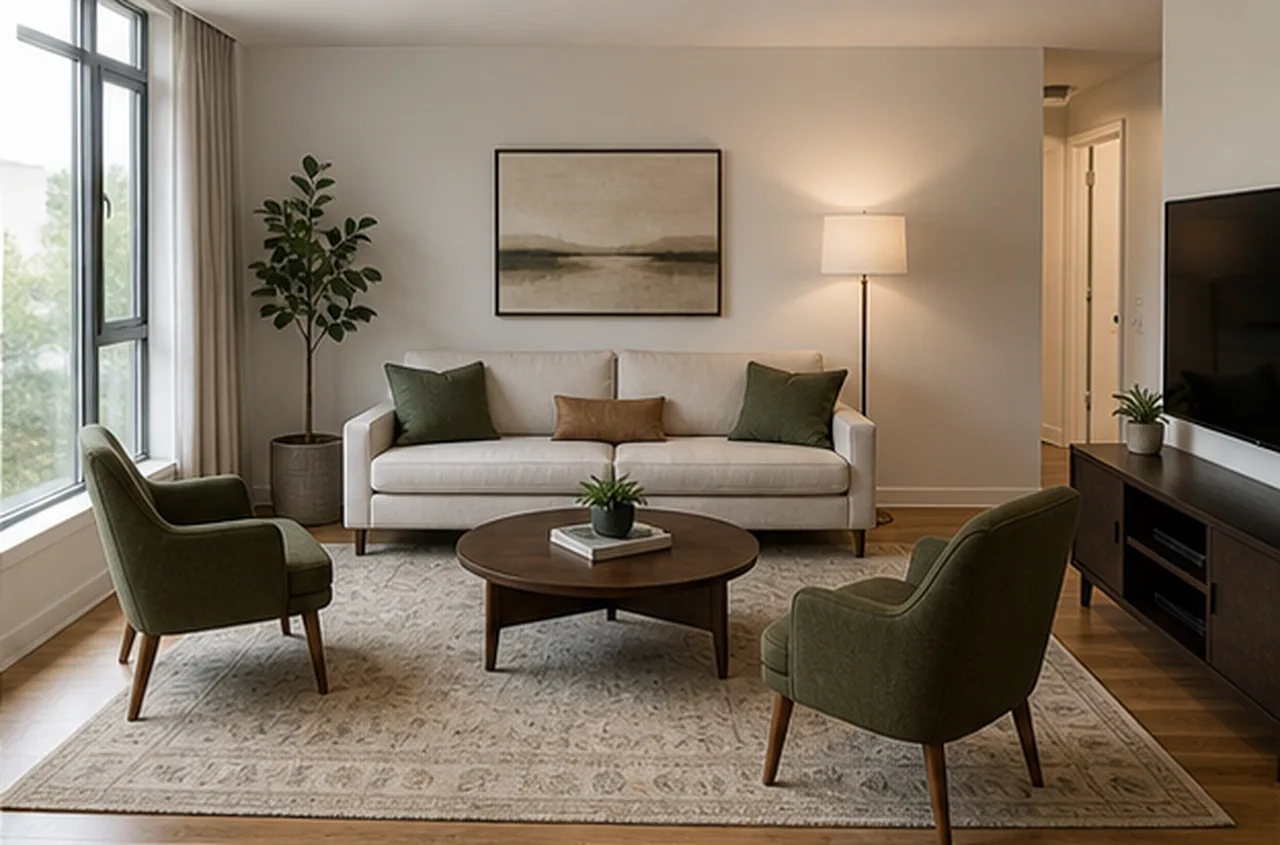
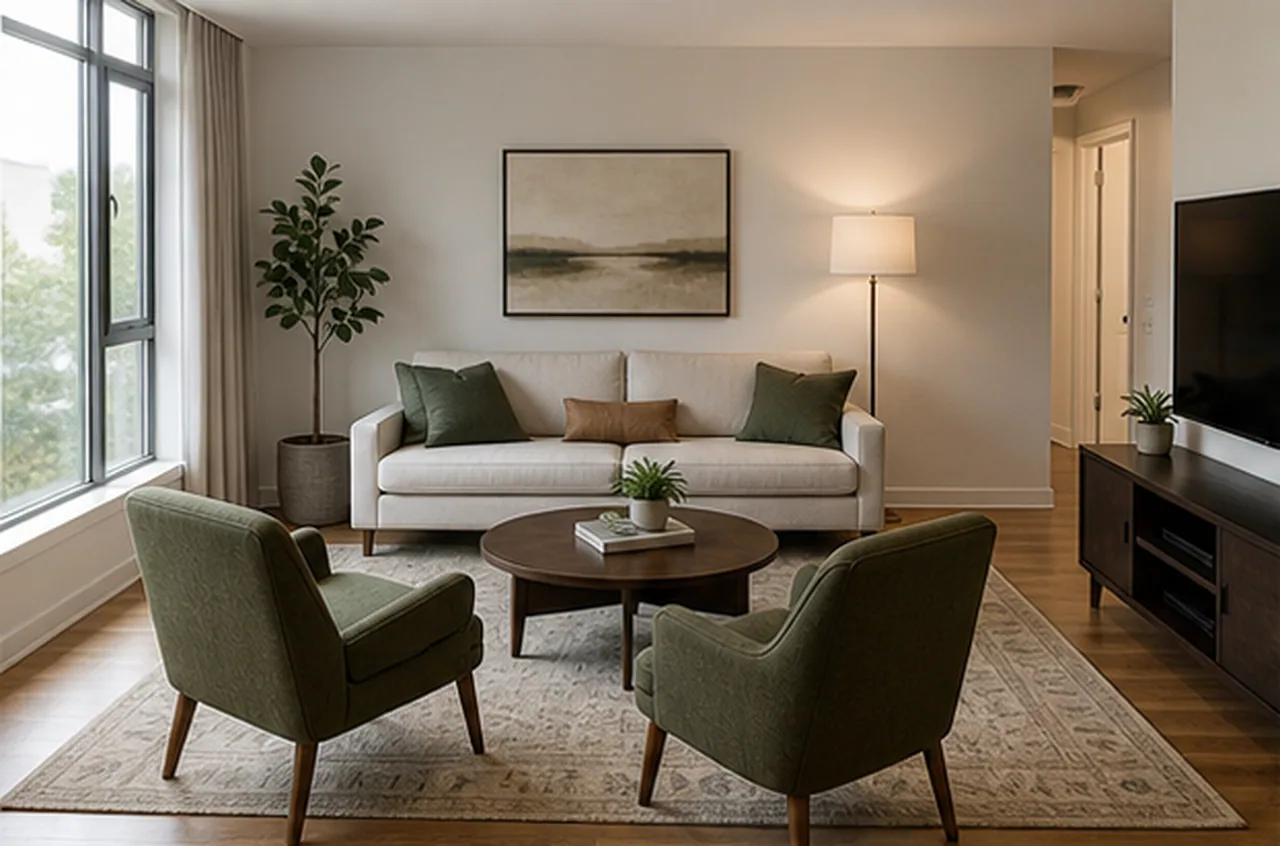
After
Before
Rearrange Furniture
Output quality
Sign in to use credits18 credits will be used for this generation.
LIVE WORKSPACE
Preview your AI room design result
Your image will appear here
Upload an input, adjust the controls, and generate a concept without leaving this page.
FURNITURE LAYOUT CASES
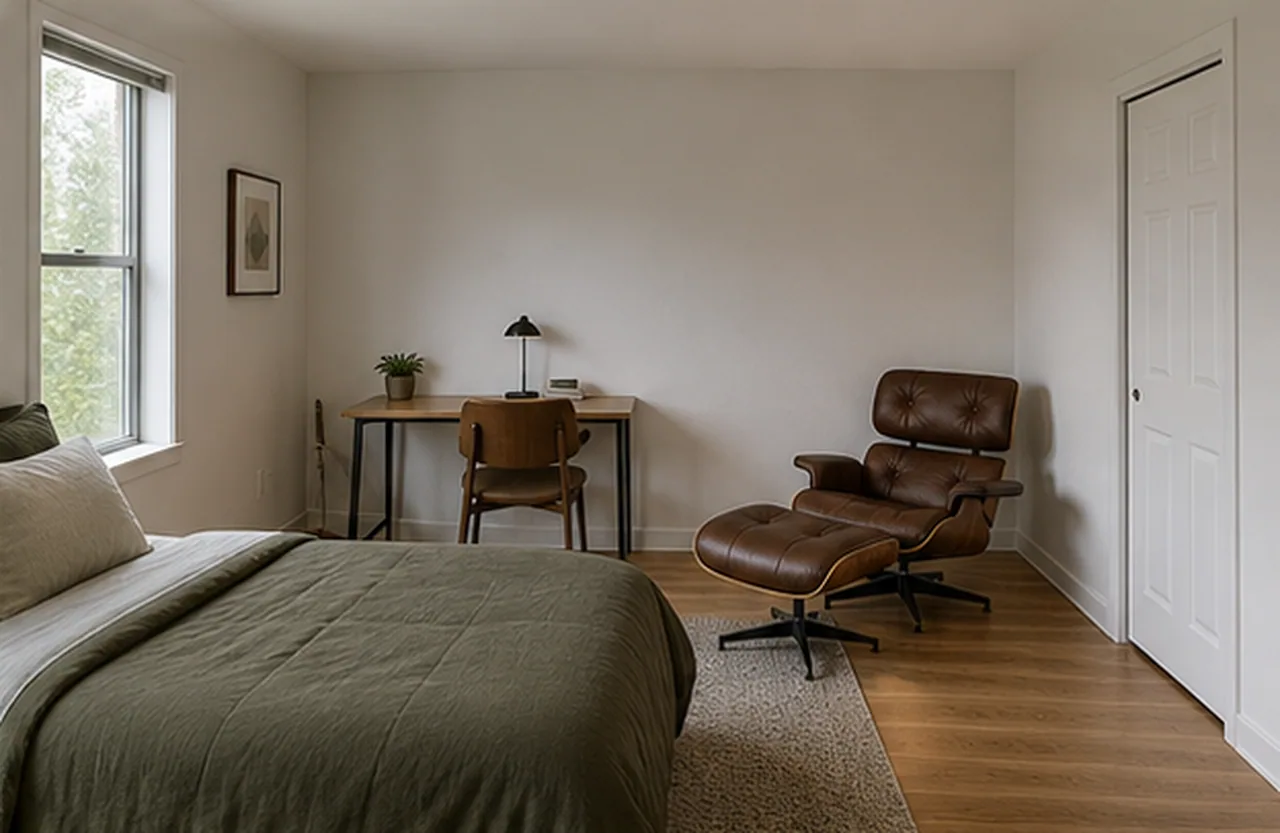
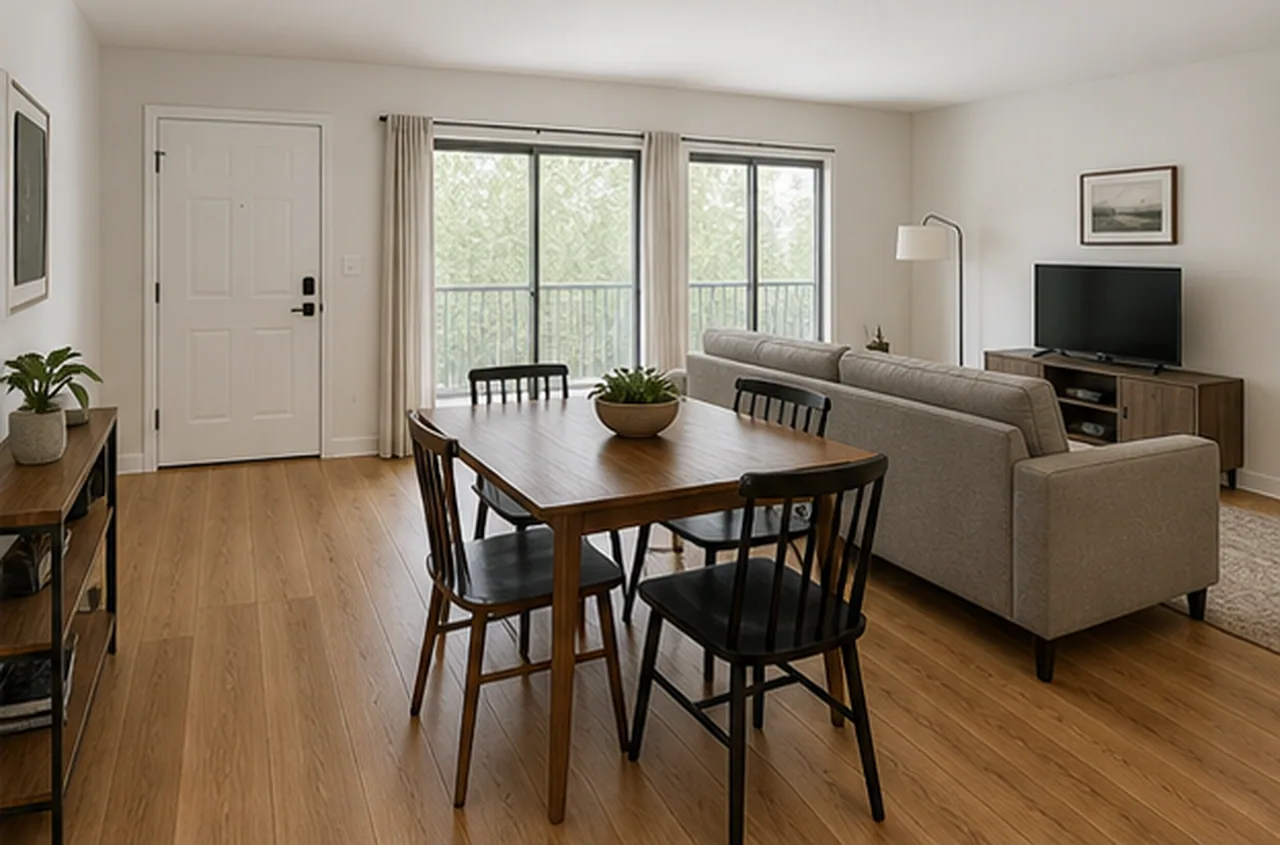
Each comparison keeps the same furniture, finishes, and room shell in view so the useful question is how the arrangement changes movement and use.
Rearrange Furniture
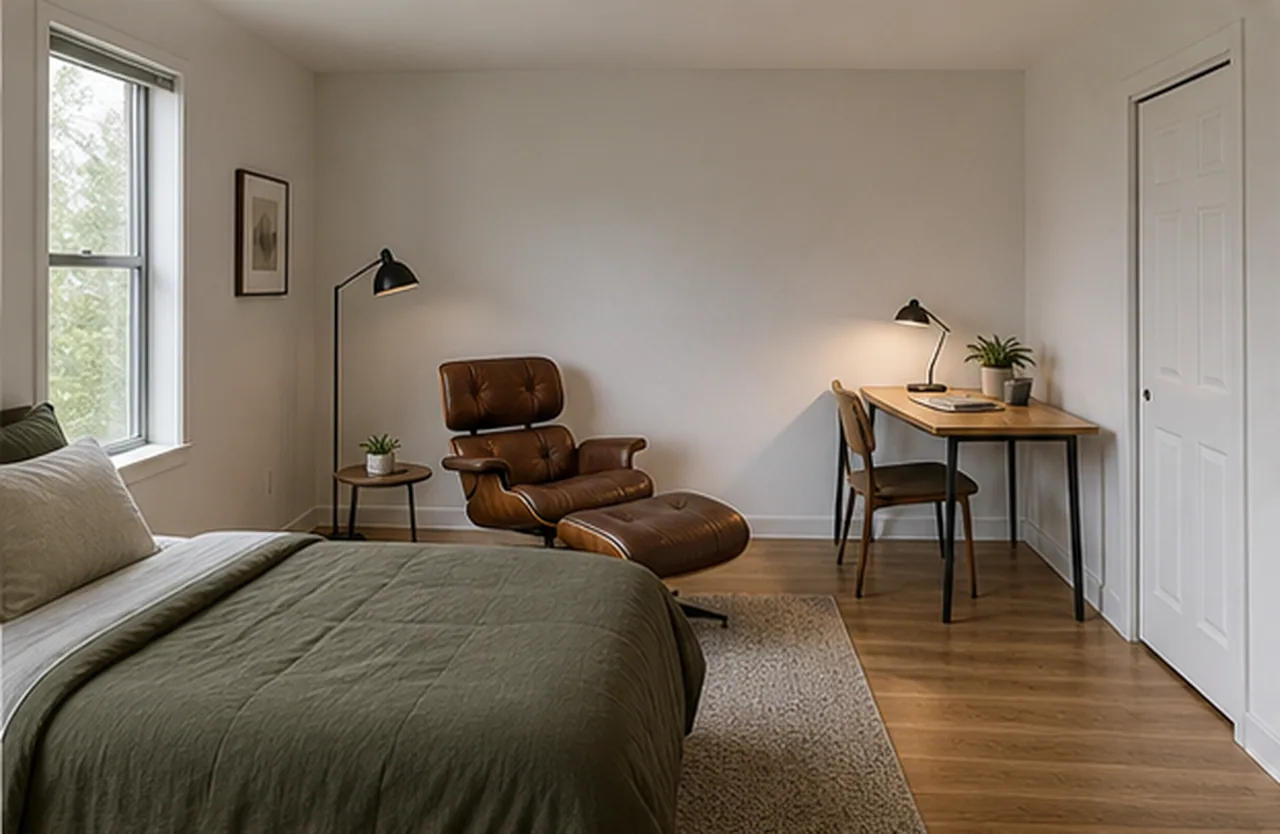
Rearrange Furniture
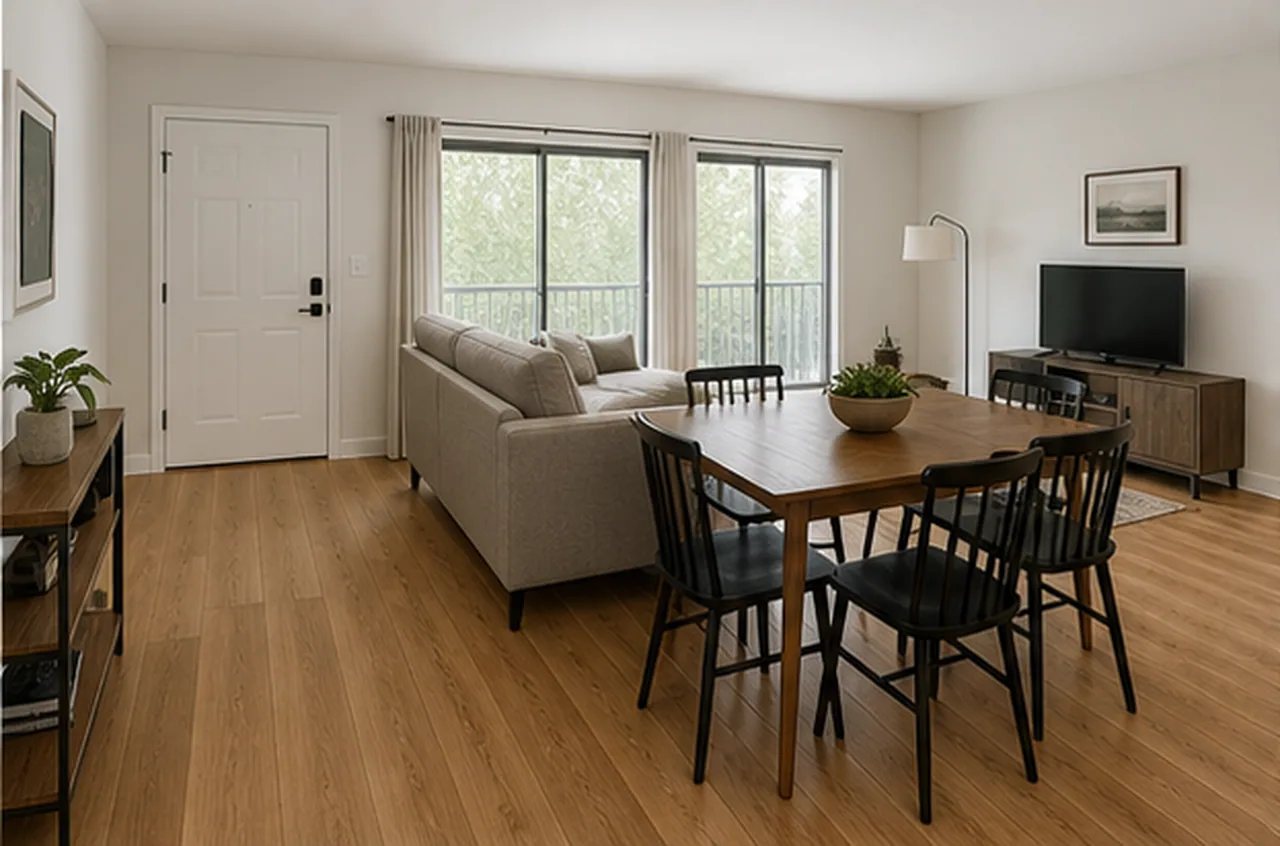
Rearrange Furniture
AI DESIGN FEATURES
Rearrange The Pieces You Already Own, Make Walking Routes Easier To Judge, Compare Layouts For The Way The Room Works
KEEP THE SET
Name the furniture that must stay so the concept focuses on placement, orientation, spacing, and grouping rather than shopping for a new room. It is a visual planning aid, not a measured specification or installation instruction.
IMPROVE THE PATH
Describe blocked paths, door conflicts, pinch points, or an awkward entry so the furniture layout responds to circulation instead of only looking styled. It is a visual planning aid, not a measured specification or installation instruction.
MATCH DAILY USE
Test conversation, work, dining, viewing, daylight, or family-use priorities while keeping walls, windows, finishes, and room identity unchanged. It is a visual planning aid, not a measured specification or installation instruction.
HOW IT WORKS
A focused layout brief helps the result answer a movement or daily-use question instead of becoming a full room redesign.
Use a clear photo where the major furniture, doors, windows, and walking paths are visible.
Name the sofa, table, bed, desk, storage, or other pieces that should be rearranged rather than replaced.
Ask for a clearer conversation zone, open entry path, work area, dining route, daylight view, or another practical goal.
Review the before-and-after concept for preserved pieces, believable scale, walkable routes, and the stated daily-use priority.
QUESTIONS
Practical answers about the Rearrange Furniture workflow, inputs, results, and downloads.
Upload the current room, name the circulation problem, and compare a focused rearrangement concept using the furniture you already have.
CREDITS AND DOWNLOADS
Basic 1K uses 6 credits, Pro 2K uses 18 credits, and Ultra 4K uses 30 credits. Your first Basic preview is watermarked; paid credits unlock downloads. Failed generations return their credits.